Apple Intelligence in Shortcuts: natural-language building works, with caveats
Engadget's hands-on look finds that describing an iPhone shortcut in plain English can produce working automations, though the results often need manual fixes and occasionally miss the requested behavior entirely.

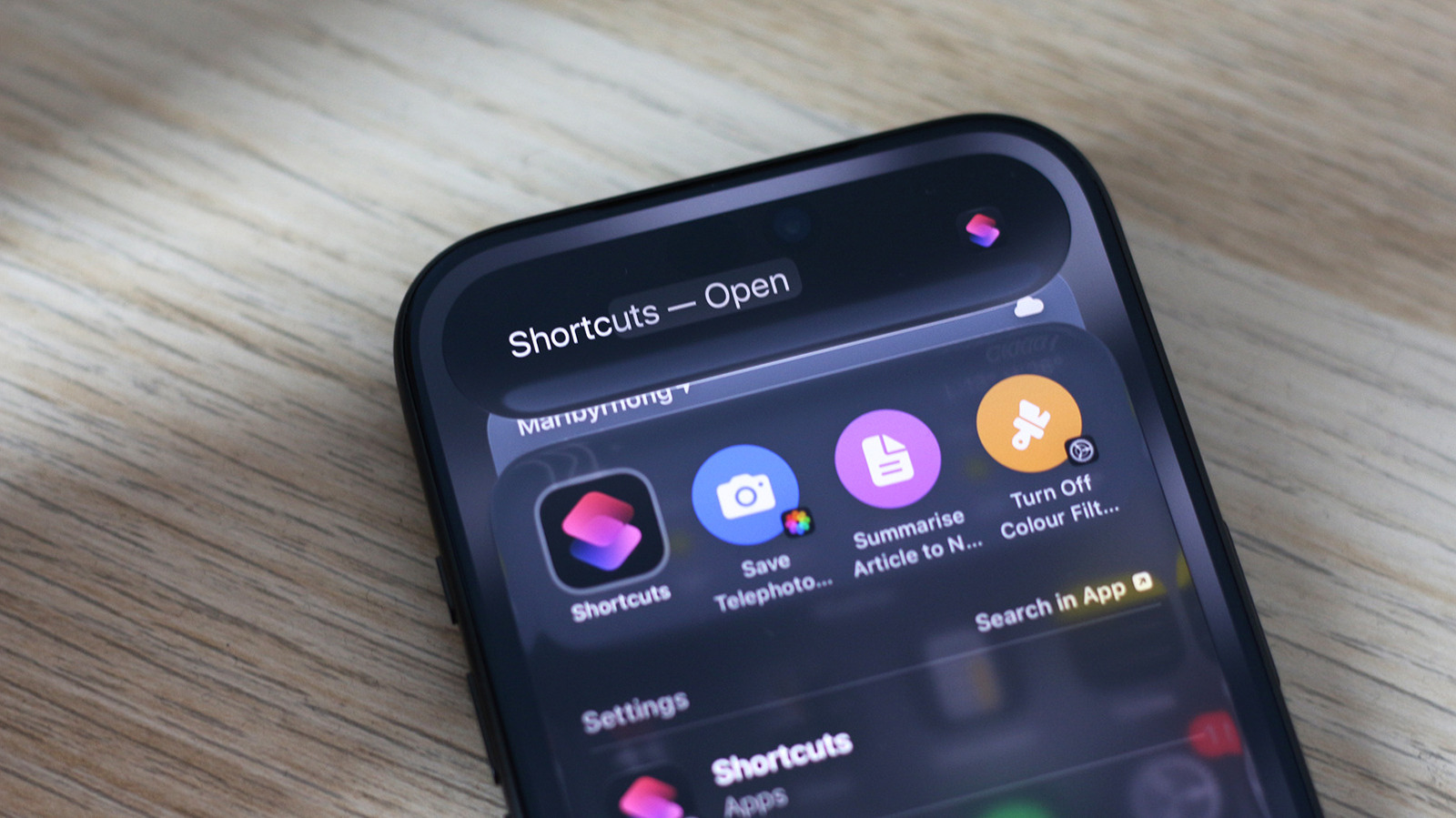
Apple's Shortcuts app has been available since 2018, but Apple Intelligence has recently added the ability to build automations by describing them in natural language. In a hands-on account, Engadget reports that this is one of the few areas where the company's AI features make a noticeable difference to everyday use.
According to Engadget, users running iOS 27 on an Apple Intelligence-capable iPhone can open Shortcuts, tap the plus icon and type a description of the desired automation. The app then assembles the actions, and the user can press play to test the result. Shortcuts created this way remain editable like any other shortcut.
What the testing showed
Engadget's reporter found that the feature is capable but inconsistent. In one test, a shortcut was meant to switch the screen to grayscale when Instagram launched and restore color on exit. The first part worked; the second did not, and the reporter ultimately built two separate shortcuts to achieve the goal. In another case, a request to turn the iPhone off when the battery dropped below 20 percent instead produced a shortcut that merely locked the screen.
The account notes that the app seldom refuses outright to generate something. When given an impossible prompt, it sometimes acknowledges the task cannot be done, but more often it assembles a sequence of actions that approximates the request rather than fulfilling it. Engadget advises reviewing the generated actions in the editor before depending on a shortcut.
Beyond prompt-based building
Engadget also describes a second integration: shortcuts can call Apple Intelligence models directly through a "Use Model" action, available when building a shortcut manually. Users can select Cloud, Cloud Pro or On-Device models, or route requests to ChatGPT. The generated output can feed into later actions in the same shortcut.
In one example, the reporter built a shortcut that fetched an article from a URL, summarized it and saved the result to Notes, and made it available from the system share sheet by enabling the relevant toggle in the shortcut's settings. A simpler example saved photos taken with the telephoto camera into a dedicated album.
Assessment
Engadget's takeaway is that the integration is valuable when it works, and that its reliability depends on how well the AI interprets the request and maps it to available actions. The reporting is a single reviewer's experience rather than a systematic test, so the frequency of failures is not established. The piece does not compare results across device models or older iOS versions, and it offers no data on how often generated shortcuts require correction.
For users already on a supported device, the practical guidance from the report is straightforward: generate the shortcut, then inspect and adjust it before relying on it for anything important.
Sources and further reading
See an error? Read our corrections policy or email [email protected].