Samsung Gallery app now syncs with Google accounts, replacing OneDrive
Samsung has added Google sync to its Gallery app, allowing media backup to Google storage and access across Galaxy devices, following the removal of OneDrive integration.

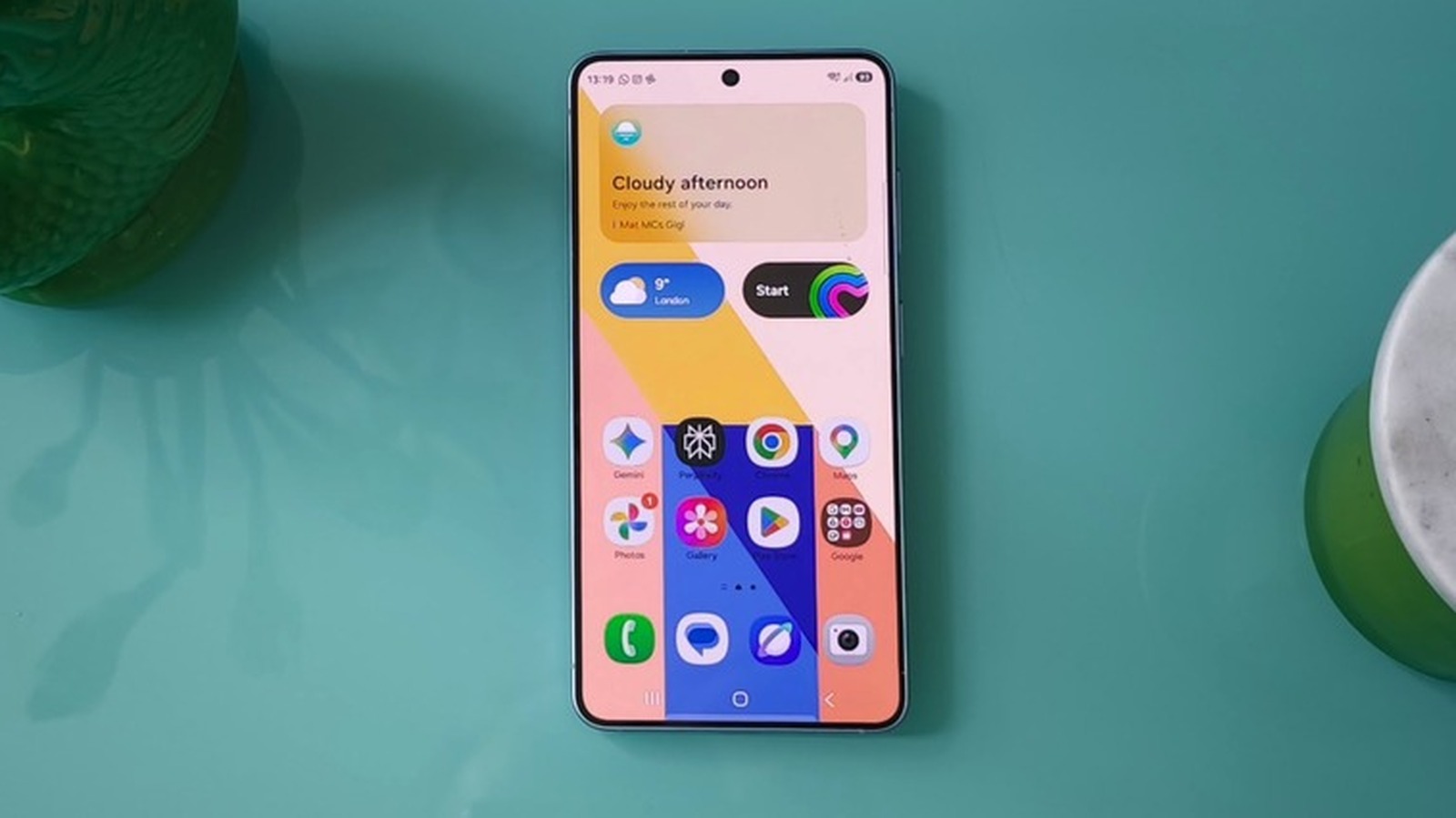
Samsung phone owners can now back up their photos and videos to their Google account directly from the stock Gallery app. The company announced the feature this week, as reported by Engadget. It follows Samsung's removal of Gallery's Microsoft OneDrive sync in September, a change that left the native app without a built-in cloud backup option.
Previously, Galaxy users who wanted their media stored in Google's cloud had to rely on the Google Photos app, either instead of or alongside Gallery. With this update, that workaround is no longer necessary for those who prefer Samsung's default gallery.
The feature is initially limited to select Galaxy devices running One UI 9, Samsung's latest custom Android interface. The company says it will expand to more devices in phases, so not all users will see it immediately. To turn it on, tap the cloud icon in Gallery or navigate to Gallery Settings and enable Sync photos and videos.
Once active, the sync stores media files in the user's Google account, making them visible in the Gallery app on other Samsung Galaxy devices signed into the same account. On those secondary devices, synced photos and videos appear as previews. To access the original files, users must select and download them. This is not instant full-resolution access; it's a preview-first model that requires an extra step for originals.
Samsung also added a companion feature called Free up space, found in the Sync photos and videos settings. It deletes original files from the device after they've been synced to Google storage, while keeping thumbnails visible in the Gallery app. That could help users manage local storage, though the originals remain only in Google's cloud once removed.
Storage is a key consideration. Gallery sync consumes space in the user's Google account, which comes with 5GB free by default. Verifying a phone number expands that to 15GB, but the allowance is shared across Google services like Gmail and Drive. Users needing more must purchase a Google One subscription, which costs $2 per month for 100GB or $3 per month for 200GB.
For daily use, the update mainly benefits people who prefer Samsung's Gallery interface over Google Photos and want cloud backup without switching apps. It also simplifies access to media across multiple Galaxy devices. However, those with large photo libraries may find the free storage insufficient, especially since it's shared with other Google products. The phased rollout means many users won't see the feature right away, and the requirement for One UI 9 limits it to newer or updated devices.
Samsung has not explained why it ended the OneDrive partnership or whether this Google integration is a direct replacement in terms of features. The company also hasn't specified which devices are included in the initial rollout or how long the phased expansion will take. Users should check their device's One UI version and storage needs before enabling sync.
Sources and further reading
See an error? Read our corrections policy or email [email protected].