A Retired Laptop Can Run Home Assistant — If You Can Live With the Quirks
An old laptop can stand in for dedicated Home Assistant hardware, letting households test the open-source smart home platform for free before committing to a device built for the job.

A retired laptop can stand in for dedicated Home Assistant hardware, but it is not a plug-and-play swap.
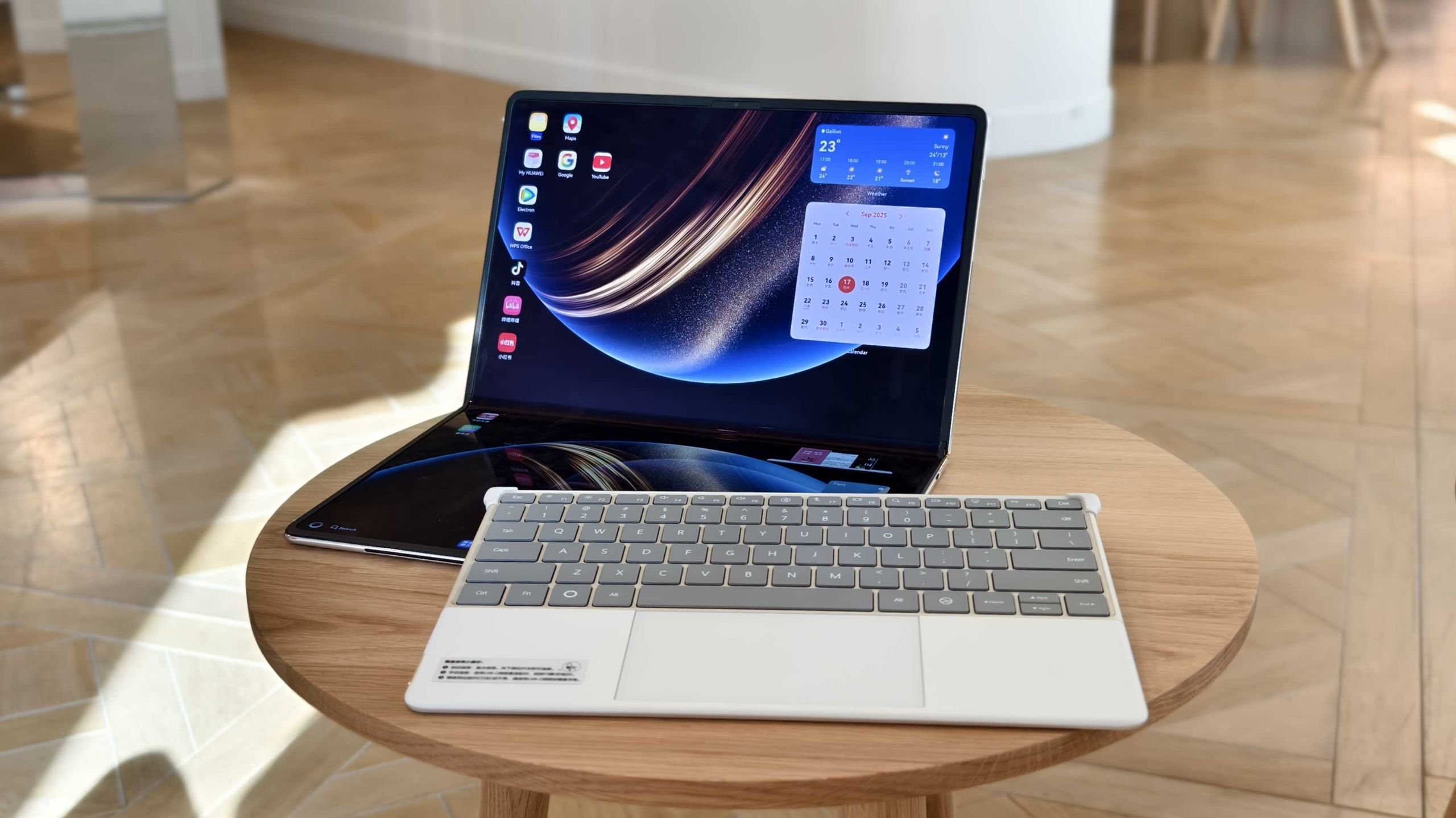
Anyone with a spare laptop and an interest in Home Assistant has a free way to trial the open-source smart home platform before buying dedicated hardware. That is the thrust of a how-to guide from Engadget, which walks through what an older machine can and cannot handle.
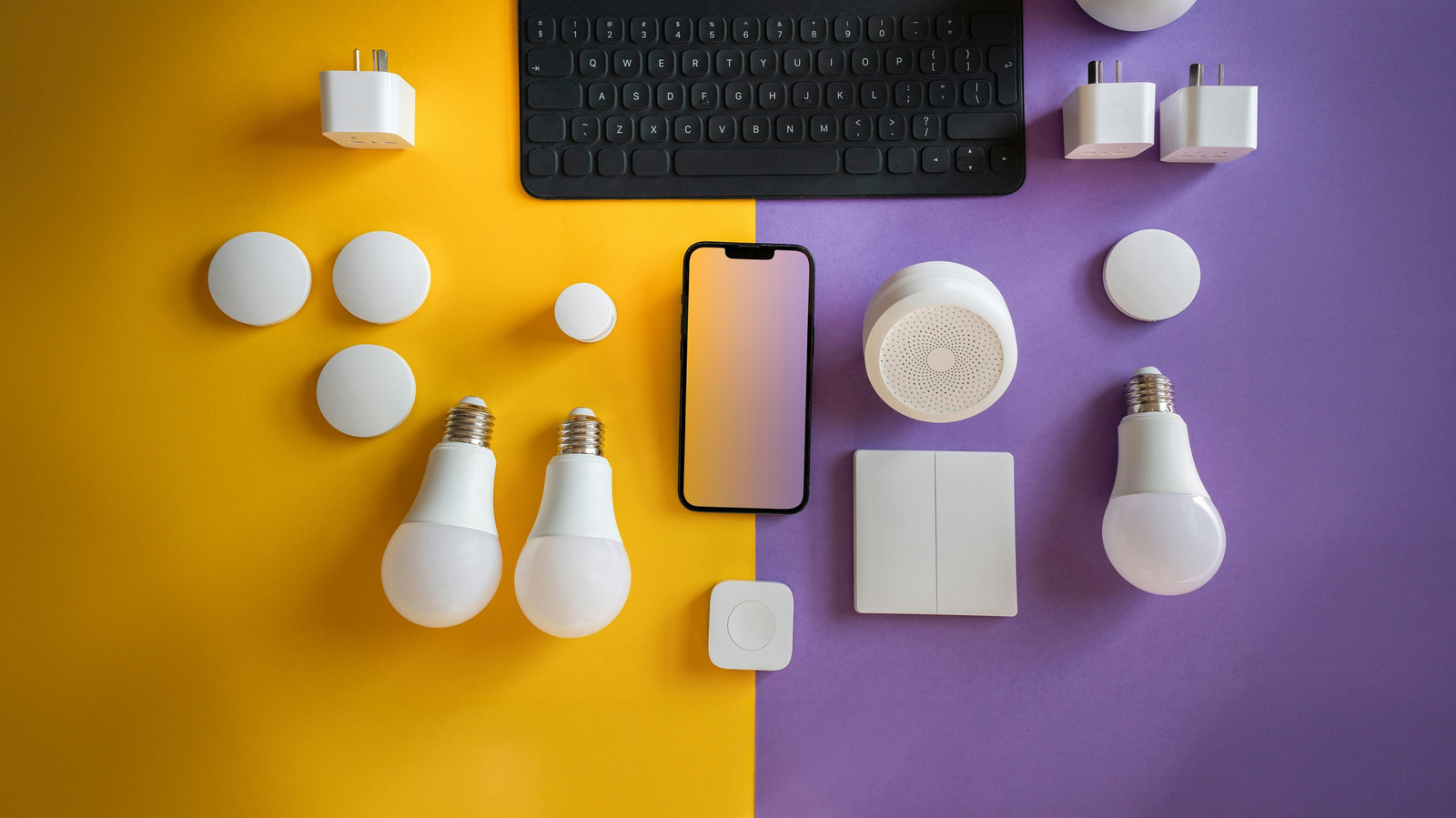
Home Assistant's pitch is centralised local control. Instead of juggling a separate app for each brand, users run one platform that talks to devices from multiple vendors. Engadget notes that standards such as Matter and Thread were meant to reduce that fragmentation, but it persists — which is why some households build their own layer instead. The platform lists integrations for services including Philips Hue, Google Nest, Ring, Sonos and Ecobee.
Who this is actually for
The guide is direct that Home Assistant suits some people better than others. It is not plug-and-play, carries a learning curve, and its interface is described as less intuitive than many users might want — though the article observes that native smart home apps invite similar complaints. It makes the most sense when a home already contains a mix of brands that will not cooperate. If everything already works, the piece suggests there is little reason to bother.
Control is the trade-off. Some integrations still depend on manufacturer accounts or cloud services, while others run locally and bypass company servers entirely.
What the hardware needs
Raw power is not the constraint. A laptop that struggles with modern applications can reportedly still handle sensor updates and light toggling. The real requirement is permanence: the machine has to stay in one place and stay switched on. Anything you travel with or shut down at night is disqualified, because automations lose their brain when the host powers off.
Storage is flexible. An SSD improves boot times and responsiveness, but a mechanical drive can still be fine. Home Assistant recommends an ethernet connection for stability; Wi-Fi works but is more exposed to interference and dropouts.
Battery care matters more than specifications. Engadget advises checking the battery before leaving a laptop running continuously, and removing it where the model can run safely on the adapter alone. A healthy battery offers short-term backup during brief outages, although the benefit is limited unless networking gear also has backup power. Swollen, leaking or otherwise damaged batteries should be taken out of service, following the manufacturer's guidance. Some laptops allow a maximum charge cap through vendor software or a BIOS setting, which is worth enabling, since holding lithium-ion cells at full charge over long periods can accelerate degradation.
Two installation routes
A virtual machine is the lower-commitment option: Home Assistant OS runs inside the laptop's existing operating system, whether Windows, macOS or Linux. Home Assistant currently lists a minimum of 2GB of RAM and two virtual CPUs for VM use, and an extremely weak machine may still struggle with the overhead. Free hypervisors named in the guide include VirtualBox, VMware Workstation Pro and VMware Fusion Pro, with images and setup instructions provided by the project.
Installing Home Assistant OS directly is cleaner and removes VM overhead, at the cost of wiping the existing operating system — worth checking against the project's x86-64 requirements first. Either way, the laptop is meant to become effectively invisible: managed from another device's browser or the mobile app, with sleep settings adjusted so closing the lid does not shut it down.
The cost question
Running the setup costs nothing upfront but does draw electricity around the clock. Engadget notes older laptops can consume more power than a modern Raspberry Pi or mini PC, and suggests a plug-in power meter for anyone wanting exact figures. That, the piece concludes, may position the old laptop as a trial rather than a permanent server. Backup and restore tools are designed to carry settings and automations over to smaller, more efficient hardware later.
What to take from it
The article's practical advice boils down to starting small: get a few plugs, lights or a single room working, automate something currently done by hand, and see whether the experience justifies continuing. Patience is presented as a prerequisite rather than an optional extra.
Sources and further reading
See an error? Read our corrections policy or email [email protected].