Apple Passwords versus Google Password Manager: A technical protocol analysis
Both platforms offer granular control over digital credentials, yet divergent workflows and cross-device ecosystems dictate suitability for different user profiles.

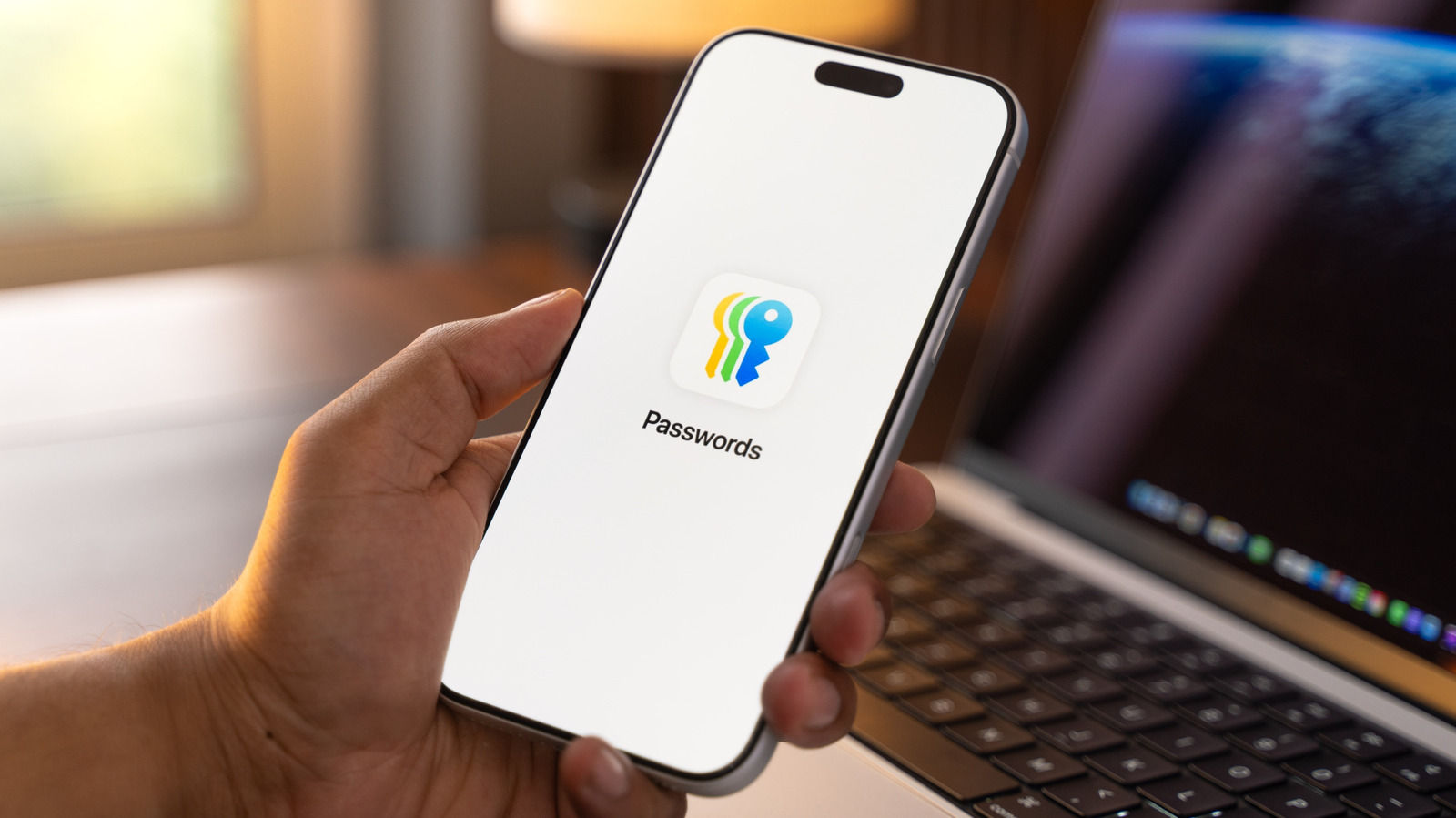
The digital keychain landscape presents a functional duopoly between Apple Passwords and Google Password Manager. Both services run at no cost and serve compatible devices through a scrolling list of site entries, where tapping reveals the associated username and password. Core utility aligns between the two; users can edit, annotate, export databases, and audit entries for weak or reused passwords across both interfaces.
The primary divergence lies in availability and operating mode. Apple Passwords relies on a native, standalone app for iOS, iPadOS, and macOS. Conversely, Google’s solution is embedded in the Chrome browser and the Google Account web portal. This design allows Google to function across any Chrome instance, provided the user enables Chrome as an AutoFill provider within Google Account settings. Conversely, Apple’s solution offers immediate, frictionless access on its own devices but lacks an Android client and forces Windows users to rely on iCloud for Windows extensions for compatibility.
Specific workflow differences exist regarding data manipulation. Apple presents a 'Copy Password' bubble upon row selection, consolidating data into a single interaction. Google assigns discrete buttons for each field alongside a toggle to reveal the password, offering more granular copy controls with universal page icons. Ecosystem specific features have also diverged; with iOS 26, Apple enabled version history within its Passwords app, allowing for auditing and reverting prior credentials. Chrome on iOS, conversely, routes passkey saves to the Google Password Manager.
While both managers request automatic storage of new logins, both allow editing and remarking. Exporting these libraries is standard on both sides, though the process for iOS macOS users to import into Google Passwords involves navigating Settings > Apps > Safari > Export. Although users can operate both managers simultaneously, users are advised to consolidate to avoid duplication. For those balancing mobile platforms—such as an iPhone alongside an Android—or mixed desktop environments, Google’s solution generally offers superior interoperability compared to the closed Apple ecosystem.
Sources and further reading
See an error? Read our corrections policy or email [email protected].