Decoding AirDrop Failures: An Anatomy of Connectivity and Settings
AirDrop reliability hinges on a precise set of hardware prerequisites and security configurations.

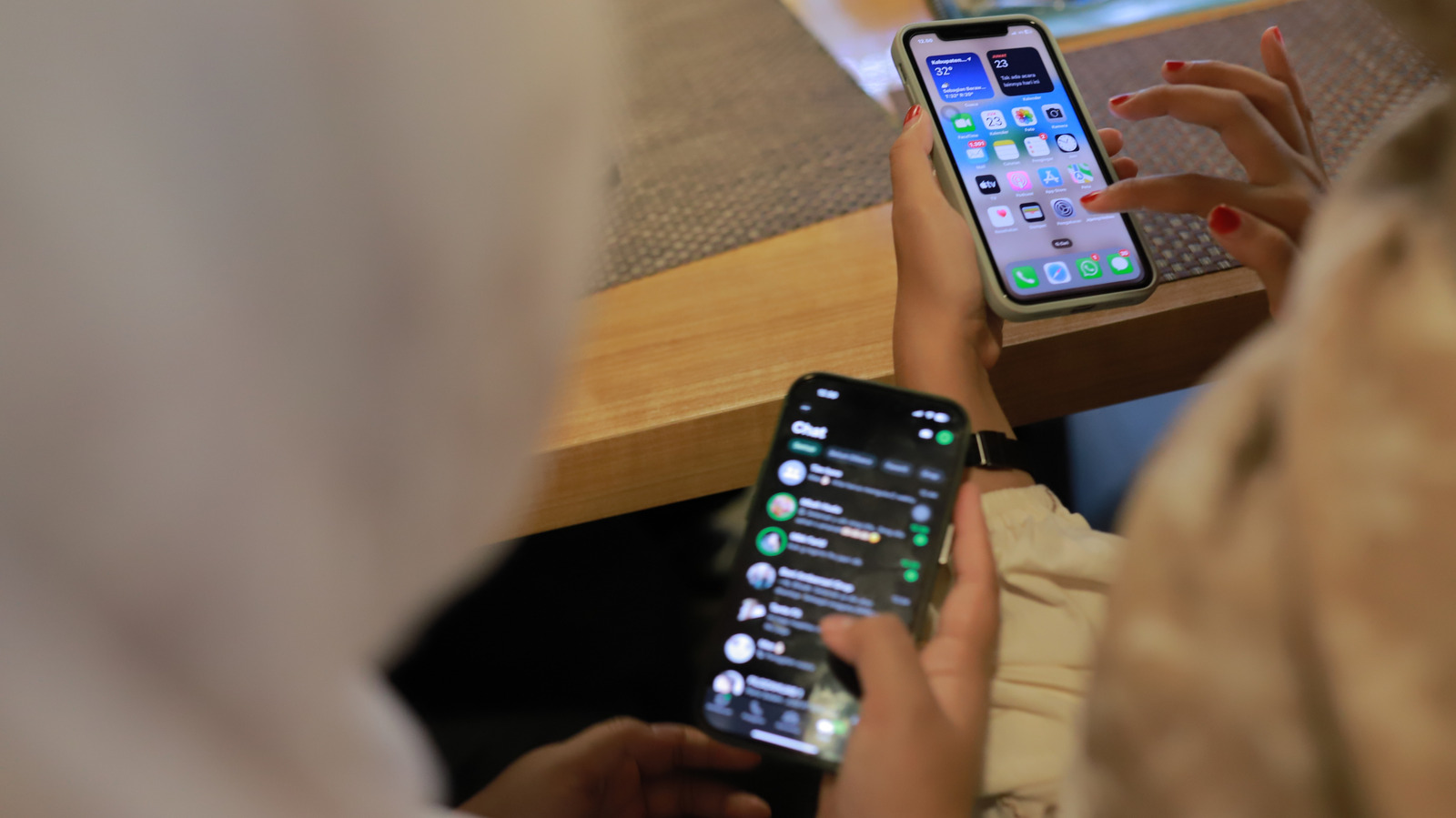
AirDrop functionality is contingent upon specific hardware and software parameters that often go unnoticed until transfer failures occur. The protocol relies on simultaneous Bluetooth and Wi-Fi signals to establish a seabed handshake between devices, with functionality strictly limited to a 30-foot physical proximity range. Cellular data may act as a fallback for connectivity issues, but the peer-to-peer nature of the transfer typically requires direct platform-to-platform communication.
Users troubleshooting persistent failures should first verify that both devices are awake, as a locked screen prevents the device from appearing as a potential recipient in the vicinity network. The fundamental connection chain can often be restored by toggling network controls within the Control Center or performing a complete system reboot when software glitches are suspected.
Security configurations frequently act as a barrier to sharing. The 'Contacts Only' filter, while intended to limit spam, demands strict metadata compatibility. For a sender to successfully push content, the recipient's contact card must explicitly include the sender's Apple ID email address or primary phone number. Merely being listed in the recipient's address book does not guarantee compatibility; the metadata must align on both profiles.
Recent operating system updates have introduced additional layers of friction during the setup phase. Following releases such as iOS 26.2, inter-device handshakes for unknown profiles now require a dynamic code entry. The sender is prompted to enter an alphanumeric code displayed on the receiving device. Once validated, the link remains active for 30 days, allowing for intermittent transfers without the sender needing to be added as a contact immediately.
External network conflicts frequently disrupt the initial connection attempt. Active Personal Hotspots, Virtual Private Network (VPN) tunnels, and aggressive firewall settings can sever the direct network link required for Bluetooth discovery. Users should isolate the AirDrop protocol by temporarily disabling these secondary network services to isolate the source of the interference.
Sources and further reading
See an error? Read our corrections policy or email [email protected].