Diagnosing Muffled Tablet Audio: A Troubleshooting Protocol
Restoring audio clarity requires isolating physical blockages and verifying hardware integrity through a systematic diagnostic approach.

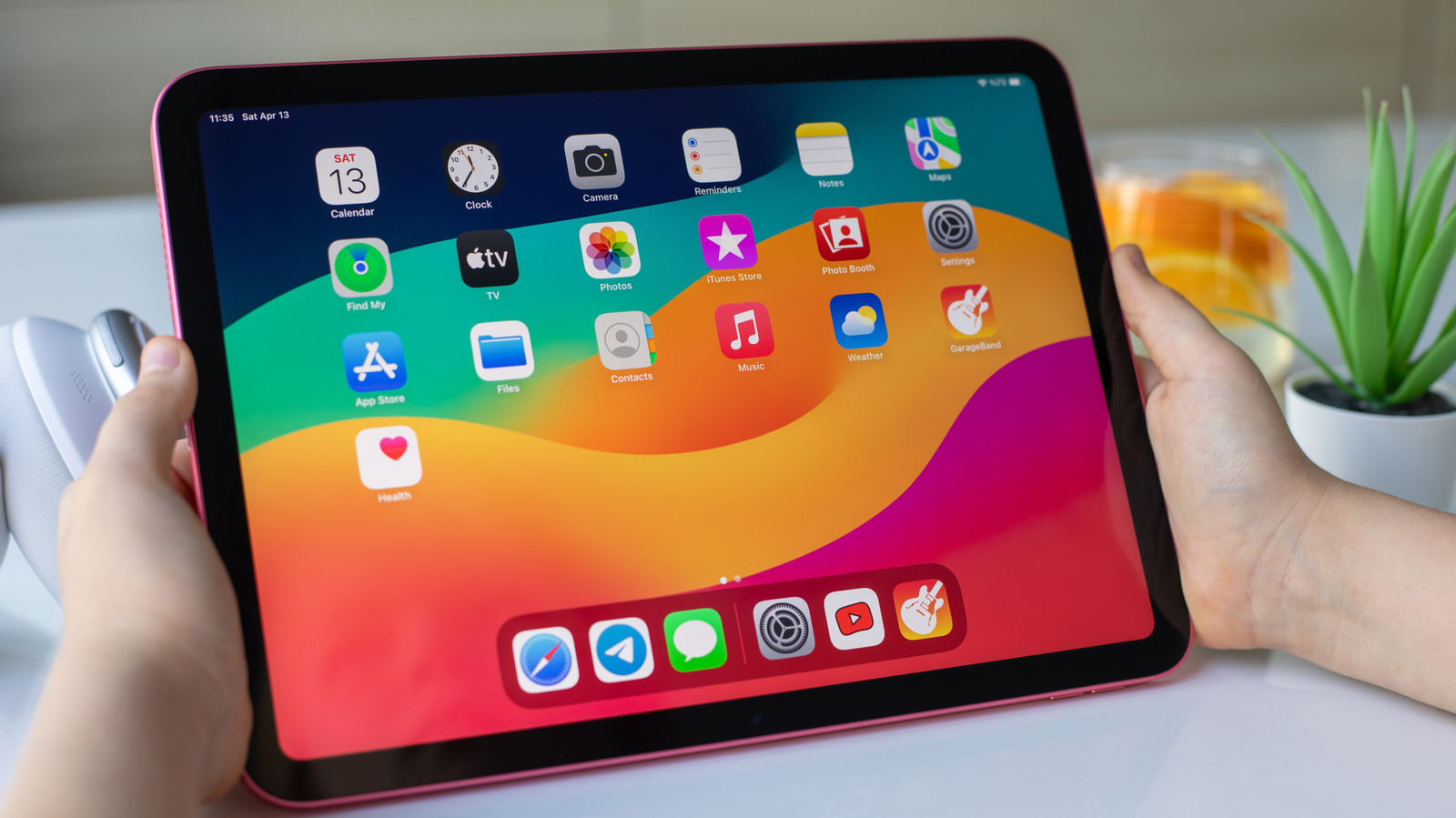
Restoring clear audio output on a tablet typically requires isolating physical blockages before confirming full hardware failure. The primary diagnostic step involves a thorough inspection of the device enclosure. Dirt accumulation between the tablet chassis and a protective case represents a frequent cause of acoustical dampening. Similarly, a screen protector that has shifted upward to cover speaker grilles can significantly reduce frequency output. Removing all accessories helps determine if the muffled sound is the result of an obstruction or structural interference lifting components against the chassis. Recurring rattling noises often indicate loose internal components that are pressing mechanically against the device body.
Once physical access to the speakers is established, internal airways require maintenance. Dust and lint represent primary contaminants for speaker drivers. Devices should be powered down during this maintenance phase to mitigate risks associated with static discharge or short circuits. A dry, soft-bristled brush—specifically non-metallic to prevent scratching the delicate mesh—is recommended to dislodge dust particles. Operators are strongly cautioned against forcing air or spittle into the openings; compressed air or human breath can risk pushing contaminants deeper into the resonance chamber and introducing moisture, which complicates cleaning. A microfiber cloth is the preferred method for wiping away loosened debris.
Software configurations can also mask the true capabilities of the internal speakers. Equalizer presets are known to modify frequency curves, often resulting in a dull or muted listening experience. For Samsung Galaxy devices, sound settings reside under specific vibration and sound menus, requiring the user to reset the equalizer to "Normal" to restore standard processing. For iOS users accessing the Music application, the equalizer feature can be fully disabled to bypass app-level signal processing and test raw driver output.
The final diagnostic step involves isolating the audio transmission chain. Connecting the tablet to a Bluetooth speaker allows an operator to verify whether the impairment lies strictly within the internal amplification or transmission system. If a Bluetooth device detects clear audio, the internal hardware is likely compromised. In instances where the internal speaker is defective, users must decide between a device upgrade path or the correction of protective gear. Leaving the case off serves as a temporary measure until a causal link between the accessory and acoustics can be experimentally confirmed.
Sources and further reading
See an error? Read our corrections policy or email [email protected].