How to Factory Reset an Original Google Home Mini, Nest Mini, or Nest Hub
Engadget's guide explains how to reset discontinued Google speakers and displays using physical controls, and what the wipe removes.

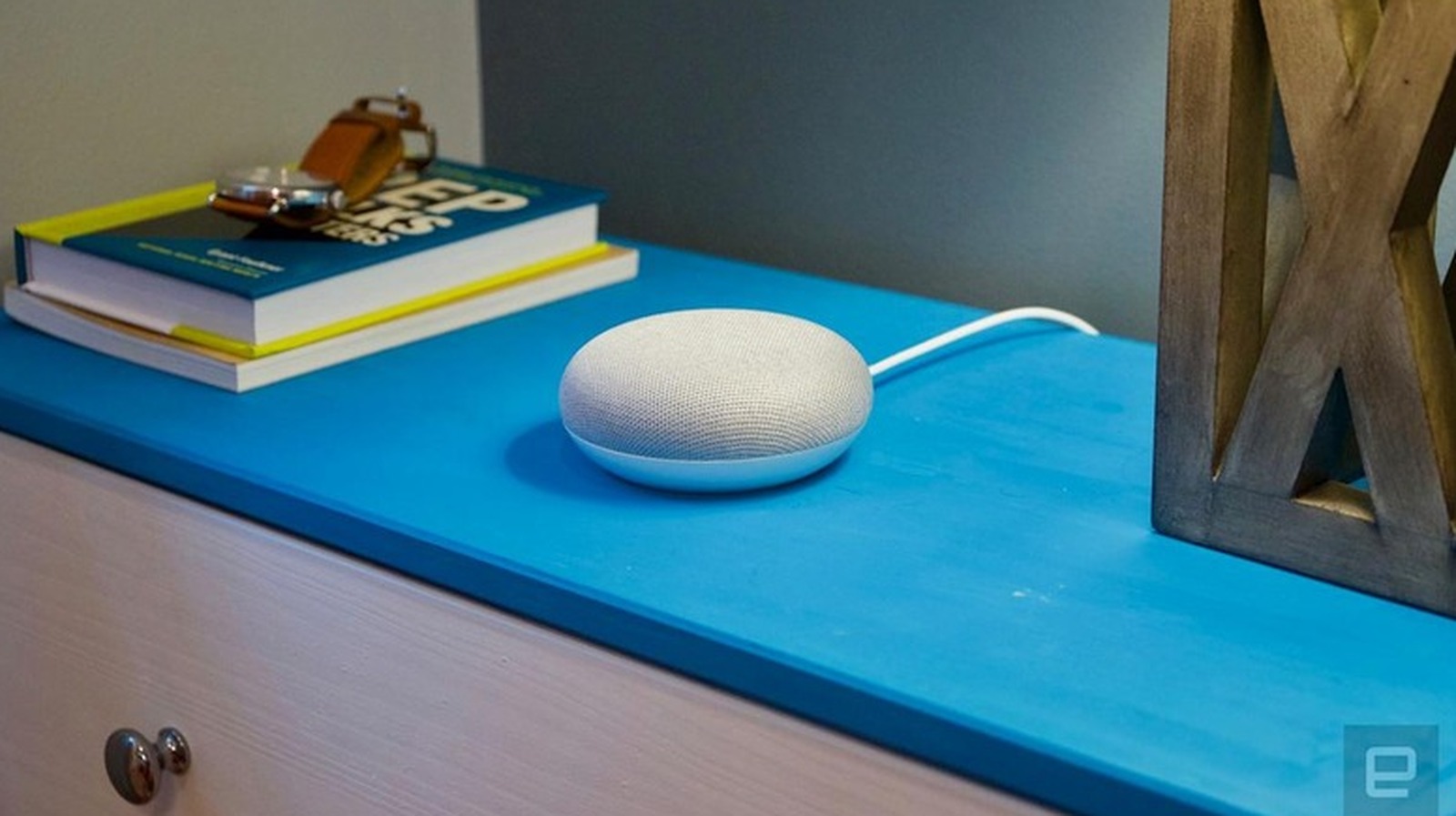
Google's first-generation Home Mini is an old device, but many are still in use. Engadget reports that the speaker has been on the market for nearly nine years and has since been discontinued. The outlet also reported that Google stopped making new units of the Nest Mini and Nest Audio after introducing a new smart home speaker, while continuing to support the older models with software updates, security patches, and customer care.
Even so, a factory reset can be necessary. Engadget lists common reasons: the speaker stops responding to commands, Wi-Fi connectivity problems arise, the owner wants to switch Google accounts, or the device is being passed to someone else.
The reset cannot be triggered by voice or through the Google Home app. Owners must use the physical controls on the hardware.
For the Home Mini (1st gen), turn the device over and find the reset button on the bottom. Engadget describes it as a small circle etched into the base, just below the power cord. Press and hold for about five seconds until the reset starts, then keep holding for another 10 seconds until a confirmation chime sounds.
For the Nest Mini (2nd gen), locate the microphone on/off switch on the side and turn it off. The LEDs will pulse orange. Press and hold the center of the device, where the top lights are, for about five seconds to begin the reset. Continue holding for another 10 seconds until a chime confirms completion.
For display models such as the Nest Hub, press and hold both volume buttons on the back at the same time for about 10 seconds. The screen will show that the reset is running. Wait a few moments for the device to restart fully before trying to set it up again.
A factory reset returns the device to the state it was in when first removed from the box. Personal data, Wi-Fi credentials, and linked Google accounts are permanently removed, and the device is disconnected from every member of the household. The action cannot be undone. Engadget advises that if the problem is minor, a simple reboot by unplugging the device for a minute may solve it without erasing anything.
After a reset, owners can relink the device by opening the Google Home app, tapping the plus icon, and selecting Set up device. Follow the prompts to reconnect to Wi-Fi and link the speaker to a Google account. If the Home Mini still will not connect, Engadget points owners to Google's support pages for troubleshooting.
For owners of these older speakers, a factory reset is maintenance rather than an upgrade path. The source material does not compare new features or recommend newer hardware; it focuses on getting discontinued devices working again. That makes the guide most useful to people who already own a Home Mini, Nest Mini, or Nest Hub and need to troubleshoot, hand off, or reconfigure the device.
Sources and further reading
See an error? Read our corrections policy or email [email protected].