Post-Black Friday: Upgrading Your Remote Workstation Setup
Reviews of eight docking stations now available to professionals, detailing specifications for monitors, storage integration, and power delivery.

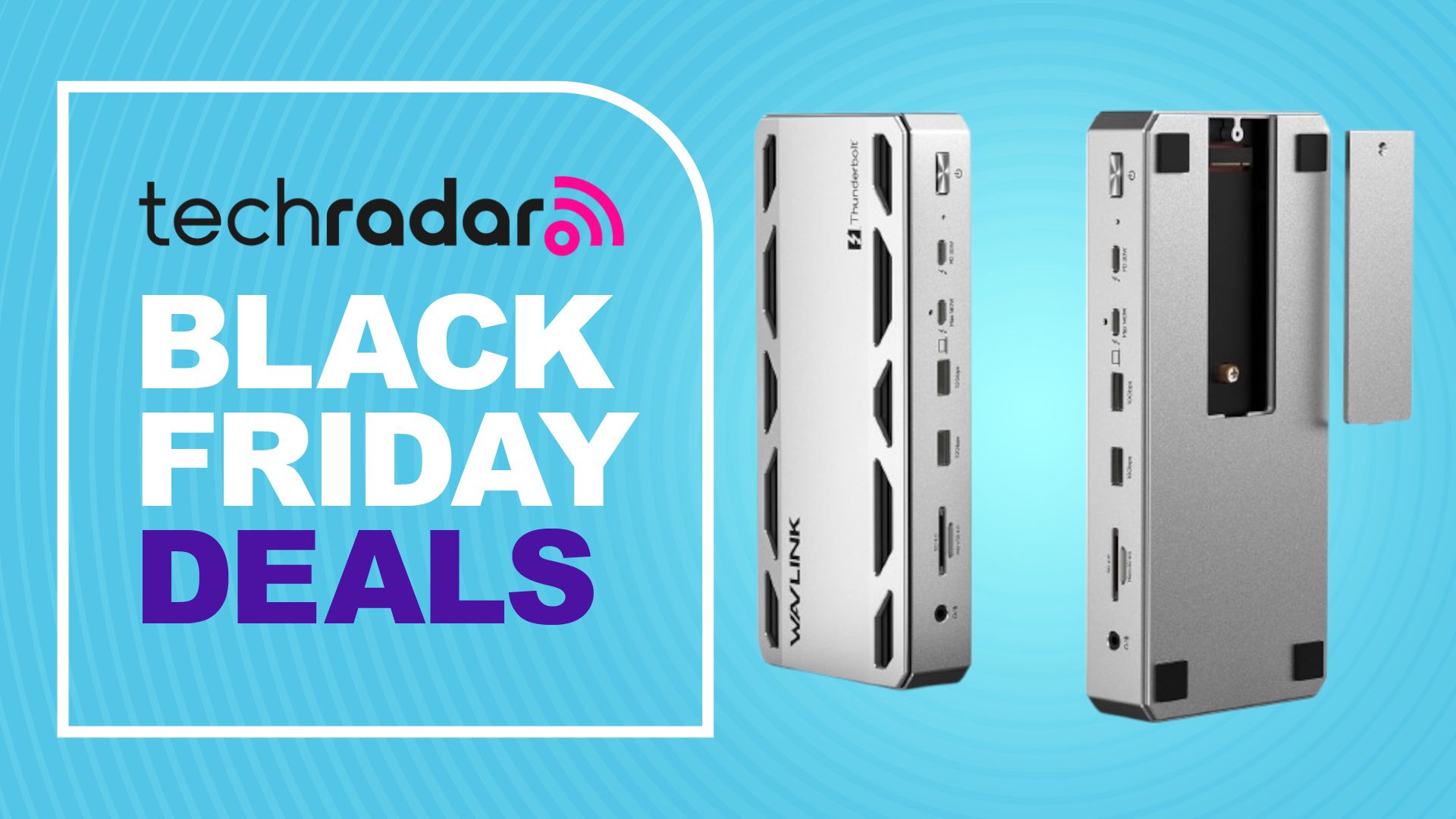
Remote professionals and small businesses can now upgrade their home office technology with several specifically reviewed docking stations. These hubs aggregate peripherals, including external monitors, keyboards, and mice, via a single connection to a device.
Several distinct models offer unique benefits for different workflows. The TobenONE UDS060 features a minimal design with programmable shortcut keys and a rotary dial. It supports dual independent 4K displays at 60Hz and includes 100W power passthrough, making it useful for video and photo editing. The Baseus Spacemate offers a magnetic base for desk stability and includes a front LED display to indicate active ports.
For users requiring storage expansion, the Beelink EX Mate Pro integrates four internal M.2 slots, effectively turning the dock into a storage enclosure. It supports 96W laptop charging, includes a soft carry case, and utilizes USB4 for 80Gbps throughput.
Terminology like Thunderbolt 5 now provides significantly higher bandwidth, with host speeds reaching 120Gbps in standard mode. Several docks supporting this include Thunderbolt 5 downlinks, 140W laptop charging, and dual HDMI 2.1 ports suitable for up to three 4K monitors. The HyperDrive Next adds an integrated M.2 slot and Thunderbolt Share, which allows two computers to share a single set of peripherals such as keyboard, mouse, and monitor without a network. Kensington offers a Mac-targeted solution in the SD5010T5 T5 Dock, designed as a compact, Mac mini-sized enclosure with dual HDMI 2.1 ports.
Established standards like the Caldigit TS4 provide broader compatibility across USB-C, USB4, Thunderbolt 3, 4, and Chromebooks. It offers 98W charging and 18 ports covering DisplayPort and 2.5GbE networking, but it does not include a dedicated power supply. Ugreen offers the Maxidok series, which provides 120Gbps Thunderbolt 5 and 140W charging.
Technical configuration requires matching the dock to the laptop's interface and power requirements. Connecting to a dock with insufficient wattage can result in a laptop battery not charging, or even draining. While USB-C offers wide compatibility and low cost, its bandwidth is limited compared to Thunderbolt 4/5 or USB4v2. Users with newer laptops should prioritize docks supporting Thunderbolt 4 or 5 to maximize bandwidth for multiple displays and high-speed storage devices. Apple users should also note limitations on external display output counts for older hardware.
Sources and further reading
See an error? Read our corrections policy or email [email protected].