Raspberry Pi Connect eliminates the need for port forwarding
Raspberry Pi has officially launched Connect, a WebRTC-based service that provides browser-based remote terminal and desktop access without configuring network ports.

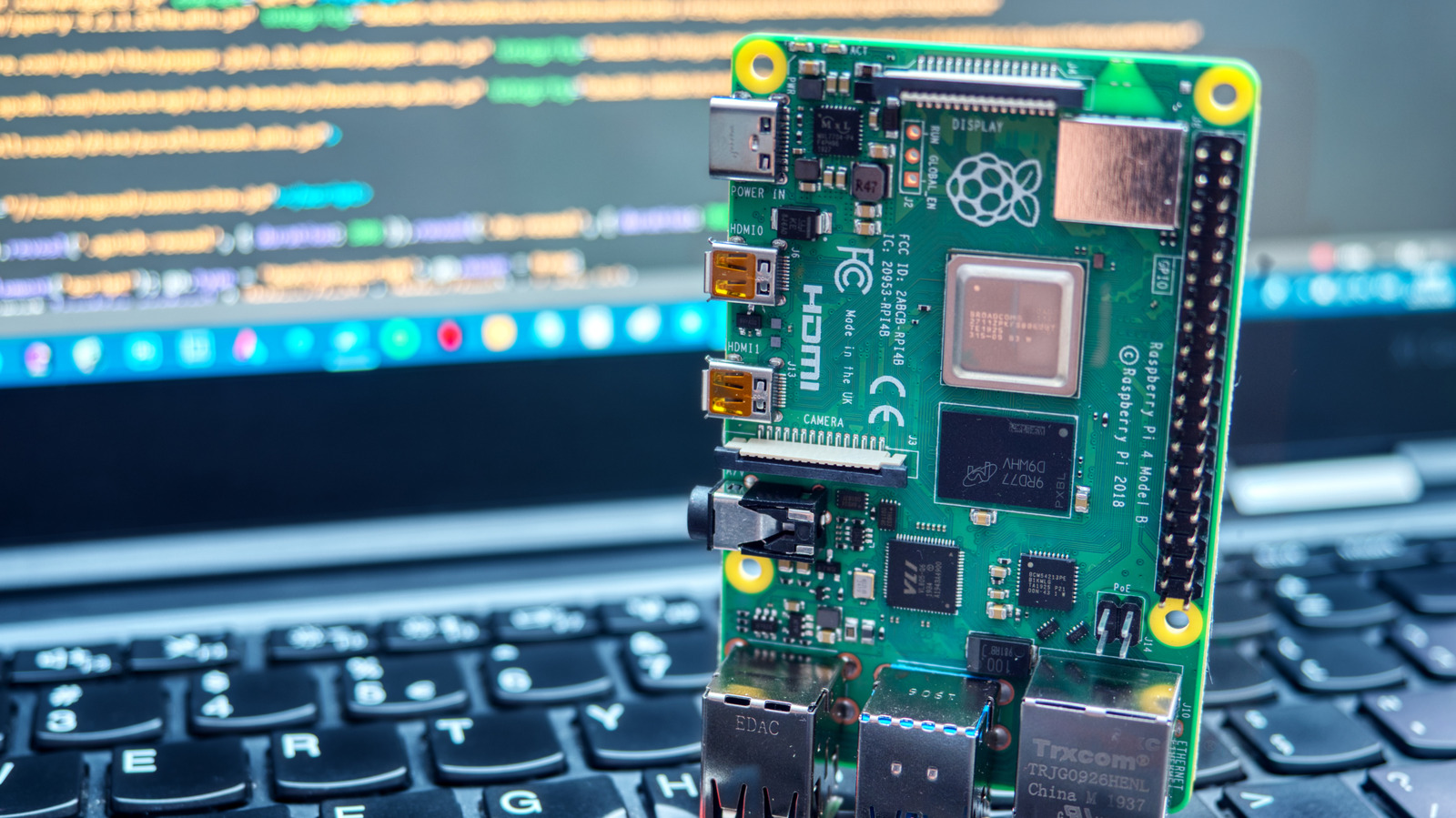
A persistent problem for home innovators using the Raspberry Pi has been the difficulty of accessing their devices from outside the local network. Historically, establishing such a connection required setting up VNC for screen sharing or SSH tunneling, both of which necessitate port forwarding. This process presents a technical barrier for beginners and introduces potential security vulnerabilities. Raspberry Pi Connect serves as a solution to these complications.
Connect is an internal program from the Raspberry Pi Foundation designed for remote communication over the internet. It utilizes WebRTC technology to establish a peer-to-peer connection through a secure tunnel. This architecture allows the service to bypass standard network firewalls and strict NAT configurations without the user installing third-party software on the board. To utilize the service, an internet connection and a dedicated Raspberry Pi Connect account are required.
The service offers two distinct modes of operation. The first, remote shell, functions as an SSH terminal operating directly within a web browser, suitable for executing commands. The second is screen sharing, which effectively transforms a web browser into a remote desktop. However, screen sharing functionality relies on a Wayland session and demands an active desktop environment on the device. It is incompatible with Pi OS Lite or X11 sessions.
Compatibility varies between hardware generations. The tool functions automatically on devices running Bookworm and later. For older hardware, limited options remain, though full functionality is attainable through the software’s Lite package if the operating system is Pi OS or its Lite variant.
The installation process requires minimal interaction. Users initiate an SSH session with their Pi unit and install the Connect package. Upon activation via the command `rpi-connect on`, users can access their device provision via the web interface at `connect.raspberrypi.com`. From there, establishing a link requires logging into an account and selecting the appropriate connection method.
Sources and further reading
See an error? Read our corrections policy or email [email protected].