Samsung One UI 9 Deepens Customization: What's Actually Useful
One UI 9 brings expanded personalization options, especially through Good Lock and a revamped Quick Panel. Here's a look at what changed and who might benefit.

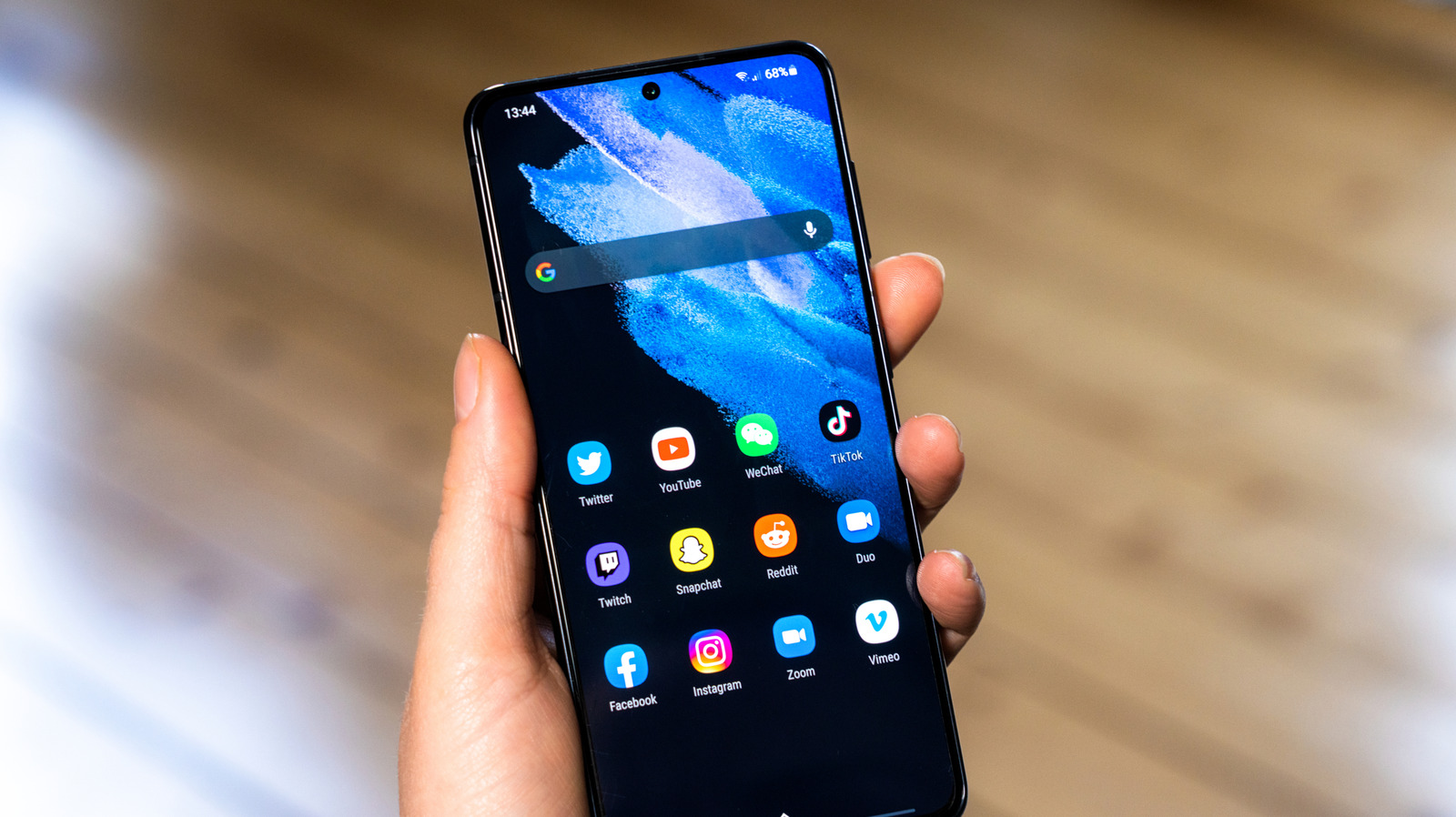
Samsung has begun rolling out One UI 9 to a wide range of its phones, bringing a mix of new features and deeper customization tools. According to Engadget, the update's most notable additions go beyond eye-catching extras like My Fancam, focusing instead on giving users more control over their device's interface.
The centerpiece of these changes is the expanded support for Samsung's Good Lock suite, particularly the Home Up module. Engadget reports that Home Up now includes a Favorites Background tool, which lets users add blur and shadow effects, change images and colors, and redesign the background of their Favorites area. Similar options are available for the Edge Panel.
Another significant addition is the ability to assign multi-finger gestures. Through the Gesture settings, users can map swipes or pinches involving two, three, four, or five fingers to specific actions—for example, a two-finger swipe down could take a screenshot or adjust volume. This level of granularity, as noted by Engadget, has been a focus since the One UI 9 beta period.
The Quick Panel has also received a substantial overhaul. Users can now tap the Edit icon to drag, resize, or delete toggles. Deleted controls can be re-added via an "Add a control" option. Engadget also points out that panel settings allow toggles to be merged into a unified shade instead of separate panels, and sizing caps have been removed entirely, allowing unlimited resizing of individual elements.
While these changes may not constitute a complete redesign, Engadget characterizes them as "little changes" that add up. The emphasis on customization suggests Samsung is catering to users who want a highly personalized experience, though the appeal will vary. For those who frequently use Good Lock or desire fine-grained control over their interface, One UI 9 offers meaningful improvements. Others may find the updates less essential.
It's important to note that the update is not available on all Samsung devices yet; owners should check their model's eligibility. Additionally, some features require installing Good Lock and Home Up separately, which may not be pre-installed.
As with any software update, individual experiences may differ based on device and usage patterns. Engadget's report highlights the possibilities but does not provide performance data or user feedback on reliability. Potential adopters should weigh whether these customization options align with their daily needs.
For now, One UI 9 appears to be a solid step forward for Samsung's personalization story, but it's not a radical departure. Those who value tweaking every aspect of their phone's look and feel will find plenty to explore; others may see it as a modest refinement.
Sources and further reading
See an error? Read our corrections policy or email [email protected].