Travel Routers: Useful for Some Trips, Not a Universal Upgrade
Engadget’s explainer says travel routers can simplify hotel Wi-Fi for multi-device travelers, but they won’t fix slow connections, replace tethering for everyone, or guarantee privacy.

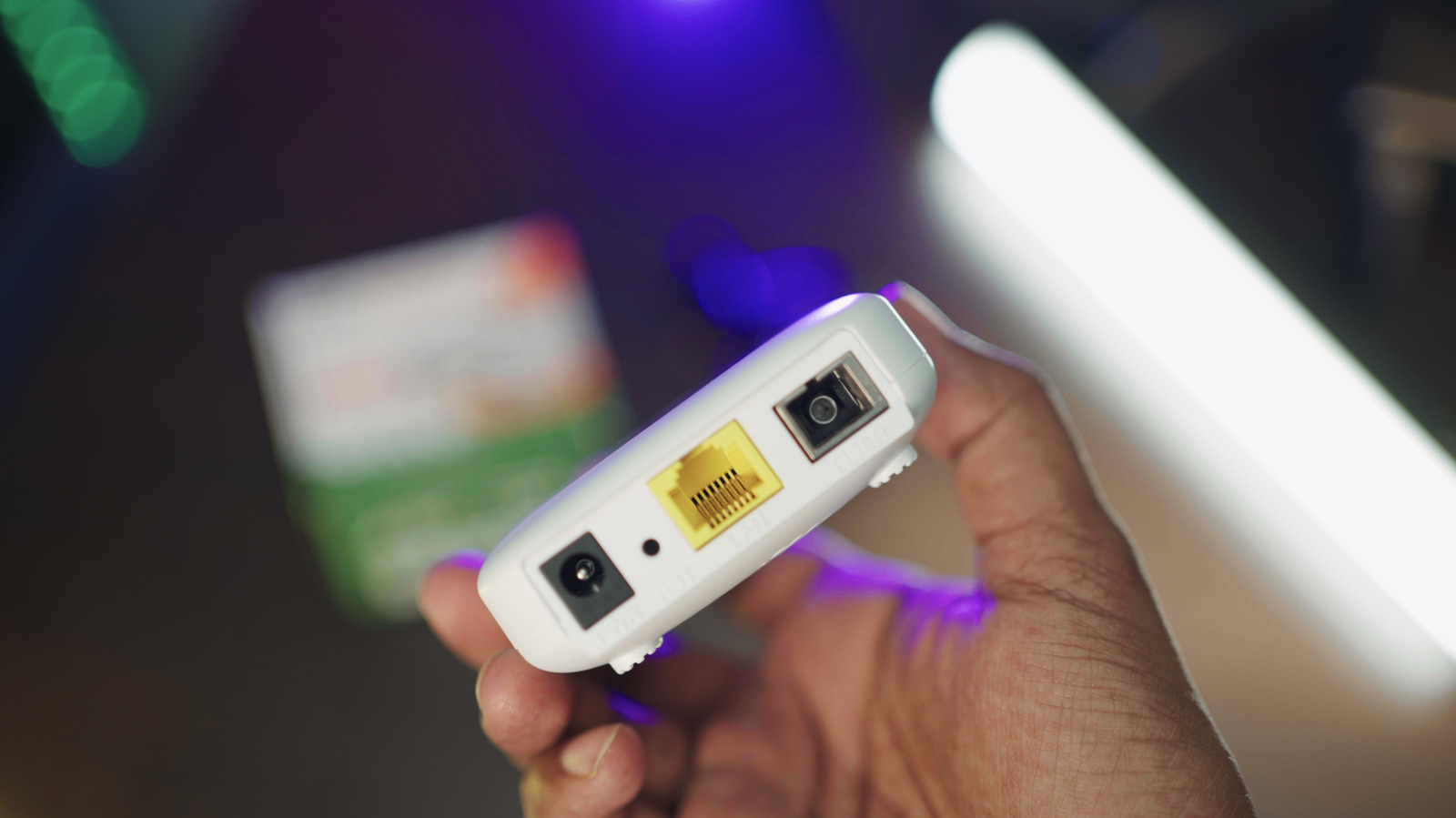
Travel routers are often pitched as a cure for hotel Wi-Fi frustration, but Engadget’s explainer makes a narrower case: they are most useful to travelers who need to get several devices online from a single connection. The device joins an available internet source — hotel Wi-Fi, Ethernet, USB tethering or a cellular modem, depending on the model — and then broadcasts its own Wi-Fi network. A laptop, tablet, streaming stick and phones can all join a network the traveler controls.
When it helps
That setup can cut down on repeated logins. The router connects to the hotel network, and the traveler’s devices connect to the router. Reusing the same SSID and password across trips is convenient for streaming sticks and other gadgets that struggle with captive portals. Some hotel networks may see the router as the connected device, with everything else behind it, which can ease per-device limits. Engadget cautions this is not a free pass to ignore hotel access restrictions.
Privacy caveats
Privacy is another selling point, but it comes with limits. A travel router creates its own local network, and models with OpenVPN or WireGuard support can route connected devices through a VPN. It does not automatically encrypt every byte leaving the hotel network. Most websites already use HTTPS, and a VPN adds encryption between the router and the VPN service. Interpretation: the router can give travelers more control over an unfamiliar network, but it does not make an untrusted hotel connection trustworthy.
Bandwidth limits
Speed is a hard limit. A travel router cannot create bandwidth. If the hotel’s connection is slow, adding another router between the hotel and a laptop will not improve it. Wired Ethernet or better placement can help in some situations, but the upstream connection remains capped by what the hotel provides.
Trade-offs and alternatives
The trade-offs are practical: another device to buy, charge and troubleshoot; captive portals can still be awkward; and running VPN at the router level may require a separate VPN subscription. For some travelers, phone tethering is simpler. Most Android phones can share mobile data with several devices via Wi-Fi, USB or Bluetooth, and Apple’s Personal Hotspot does the same with an iPhone’s cellular connection. Tethering is not a universal replacement. Carriers may limit it or charge extra, and cellular reception may be weak. Many Android phones can share a Wi-Fi connection over a hotspot, while an iPhone only shares cellular data.
At home
A travel router should not be treated as a whole-home mesh system, but it can serve as a Wi-Fi extender or makeshift guest network when not on the road.
Bottom line
The practical question is device count and trip style. A traveler carrying one laptop and one phone may find the extra hardware unnecessary. A traveler juggling several gadgets — especially streaming sticks and other devices that handle captive portals poorly — may find the convenience worth the overhead. Engadget’s framing supports a measured conclusion: travel routers are useful for specific situations, not universal upgrades.
Sources and further reading
See an error? Read our corrections policy or email [email protected].