Verifying USB Throughput: A Diagnostic Primer
Comparing theoretical transfer rates against actual hardware performance requires specialized utilities to accurately interpret bus speed descriptors and prevent bottlenecks.


Determining whether hardware infrastructure meets performance specifications requires specific diagnostic workflows.
Windows and macOS users can utilize storage benchmarking utilities to gauge connection stability. Tools such as CrystalDiskMark (Windows) or AmorphousDiskMark (macOS) generate sequential read and write results. When a drive selected in the menu is not the limiting factor, these rates serve as a performance proxy for the connection type.
For direct hardware validation on Windows, the Windows SDK includes USBView. Accessed via Program Files (x86) > Windows Kits > 10 > Debuggers, the application lists connected devices in the left pane. Selecting a device reveals the "Device Bus Speed" header, identifying protocols such as "SuperSpeed 20".
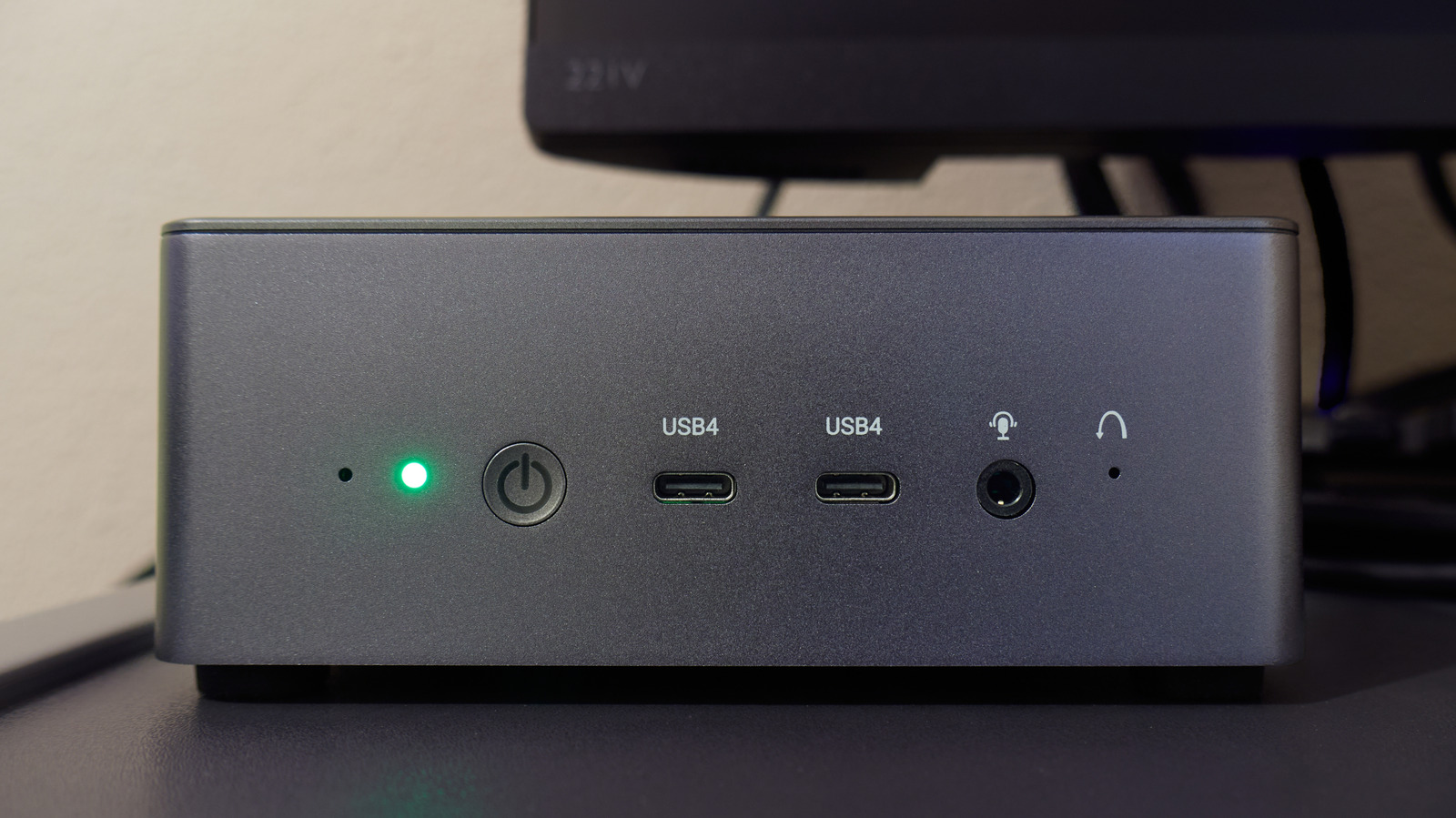
Diagnostic accuracy relies on a controlled testing environment. The best results occur when a device meets or exceeds the port's capabilities. Connecting a hub through the computer's most rapid port ensures the host computer is not the bottleneck, while avoiding low-capacity thumb drives prevents performance drops caused by capsizing during intense testing. Physical port markers are unreliable; color coding lacks standardization, and USB-C connections require software confirmation or manual documentation to verify classification.
Metrics presented in benchmark tools operate on bytes per second. To align with the USB specification, users must convert results from bytes to bits by dividing or multiplying by eight. Real-world data streams rarely reach theoretical maxima but must demonstrate improvement over previous generations.
Correct interpretation of these speed tiers is critical: - USB 2.0: Hi-Speed, 480 Mbps - USB 3.2 Gen 1: SuperSpeed, 5 Gbps - USB 3.2 Gen 2: SuperSpeed+, 10 Gbps - USB 3.2 Gen 2x2: SuperSpeed 20, 20 Gbps - USB 4: 20, 40, and 80 Gbps
While the inclusive nature of USB allows older devices to function on modern ports, USB4 hosts do not mandate support for the 20 Gbps lanes of the USB 3.2 Gen 2x2 protocol, often falling back to 10 Gbps. Additionally, Thunderbolt hardware utilizing the Type-C connector adheres to the same speed tiers as USB 4, necessitating cables that correspond to the specific Thunderbolt standard utilized.
Sources and further reading
See an error? Read our corrections policy or email [email protected].