Checking for Apple CarPlay Before You Buy—and Adding It Aftermarket
Apple CarPlay support is common but not universal. Engadget explains how to verify a car has it and what aftermarket options exist if it does not.

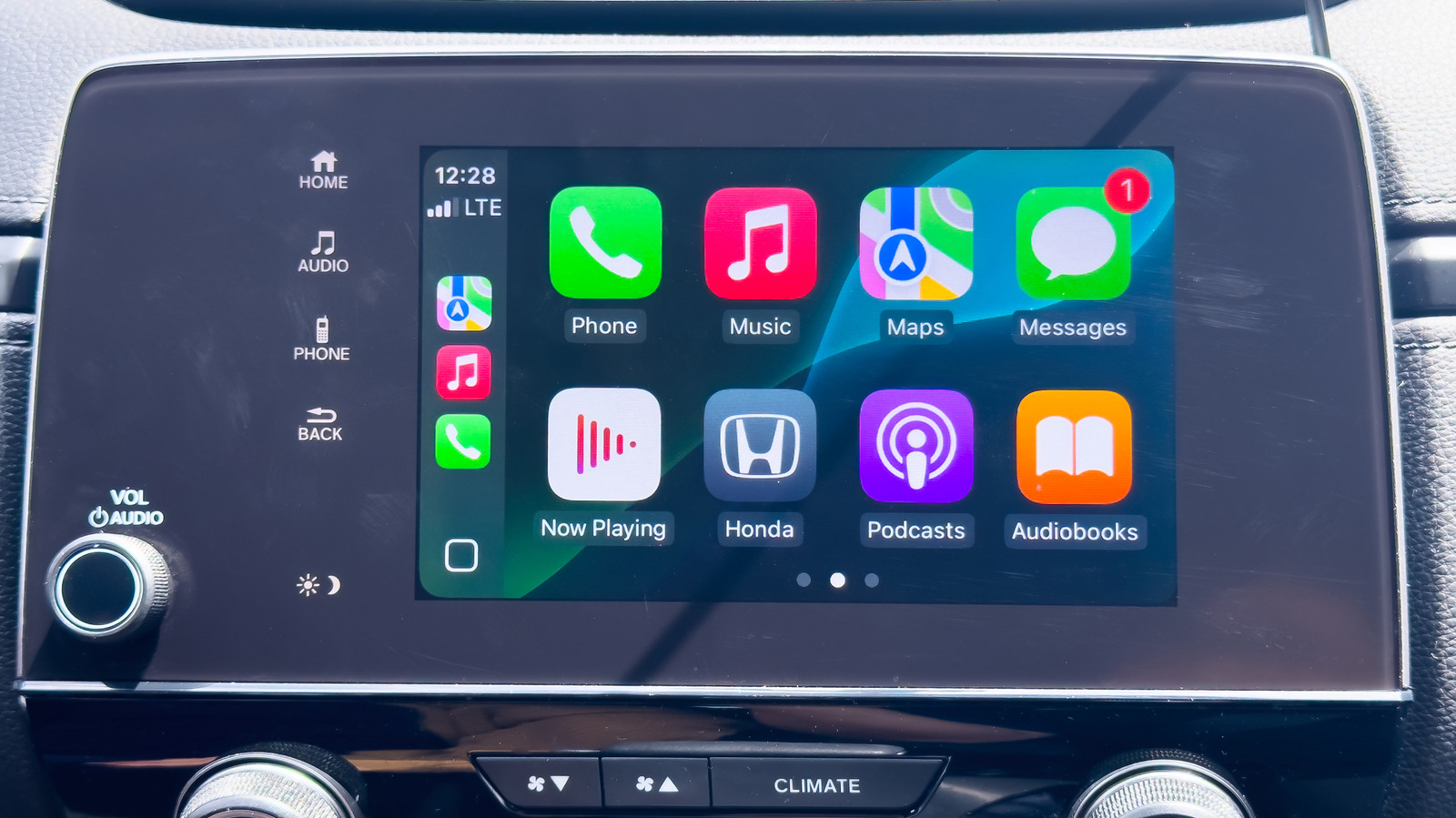
Apple CarPlay can be a practical factor when comparing cars, but support is not universal. According to Engadget, Apple publishes an online roster of models with CarPlay, and that roster covers most new vehicles from major automakers. The source notes exceptions: Tesla and Rivian do not offer CarPlay at all, and GM had previously moved away from it on newer models before restoring support.
For shoppers, there are two kinds of verification: checking the official list before purchase and testing a specific car in person. Engadget's in-person method for wireless CarPlay requires an iPhone with Bluetooth and Wi-Fi enabled. Set the car's dashboard to Bluetooth or wireless mode, press the voice-command button on the steering wheel, then check the iPhone under Settings > General > CarPlay to see whether the car appears among available devices.
Wired support can be checked by connecting the phone to the car's USB port. If the vehicle supports wired CarPlay, the phone should prompt to activate it. Engadget also suggests looking for a CarPlay option on the dashboard screen or a CarPlay symbol on the USB port, while cautioning that even compatible cars may not carry the symbol.
CarPlay's daily value, as the source frames it, comes from combining navigation with iPhone features such as music playback while driving. That makes support worth confirming rather than assuming, especially when choosing between two vehicles.
For drivers whose cars lack built-in support, the source describes two aftermarket paths. The simpler one is a standalone third-party CarPlay display mounted on the dashboard. These units can replace or supplement an existing screen, and many work with both CarPlay and Android Auto. Engadget reports they are typically inexpensive—around $100 or less—and can move between vehicles. The trade-offs are reliance on extra third-party hardware and the difficulty of finding a good mounting spot in some cars.
The more permanent route is a CarPlay-compatible head unit, which replaces the car's stereo receiver and, if present, its screen. Engadget says this is likely pricier than a standalone display, though some units can still be found around the $100 range. Installation is more involved and may require paying a professional, but the result is an integrated system rather than an added peripheral.
Interpretation: the source's practical divide is commitment versus convenience. A dashboard display suits drivers who want CarPlay with minimal installation and the option to move it later. A replacement head unit makes more sense for those prepared to pay for a cleaner, built-in setup. Neither path is presented as a substitute for checking compatibility first. The source does not provide model-by-model compatibility guidance beyond its examples, so buyers should confirm their specific vehicle before relying on either method.
Sources and further reading
See an error? Read our corrections policy or email [email protected].