Ethernet Couplers vs. Switches: What Actually Helps When One Cable Isn't Enough
Engadget explains when an RJ45 coupler is fine, when a network switch is better, and why extra joins and cable-length limits matter.

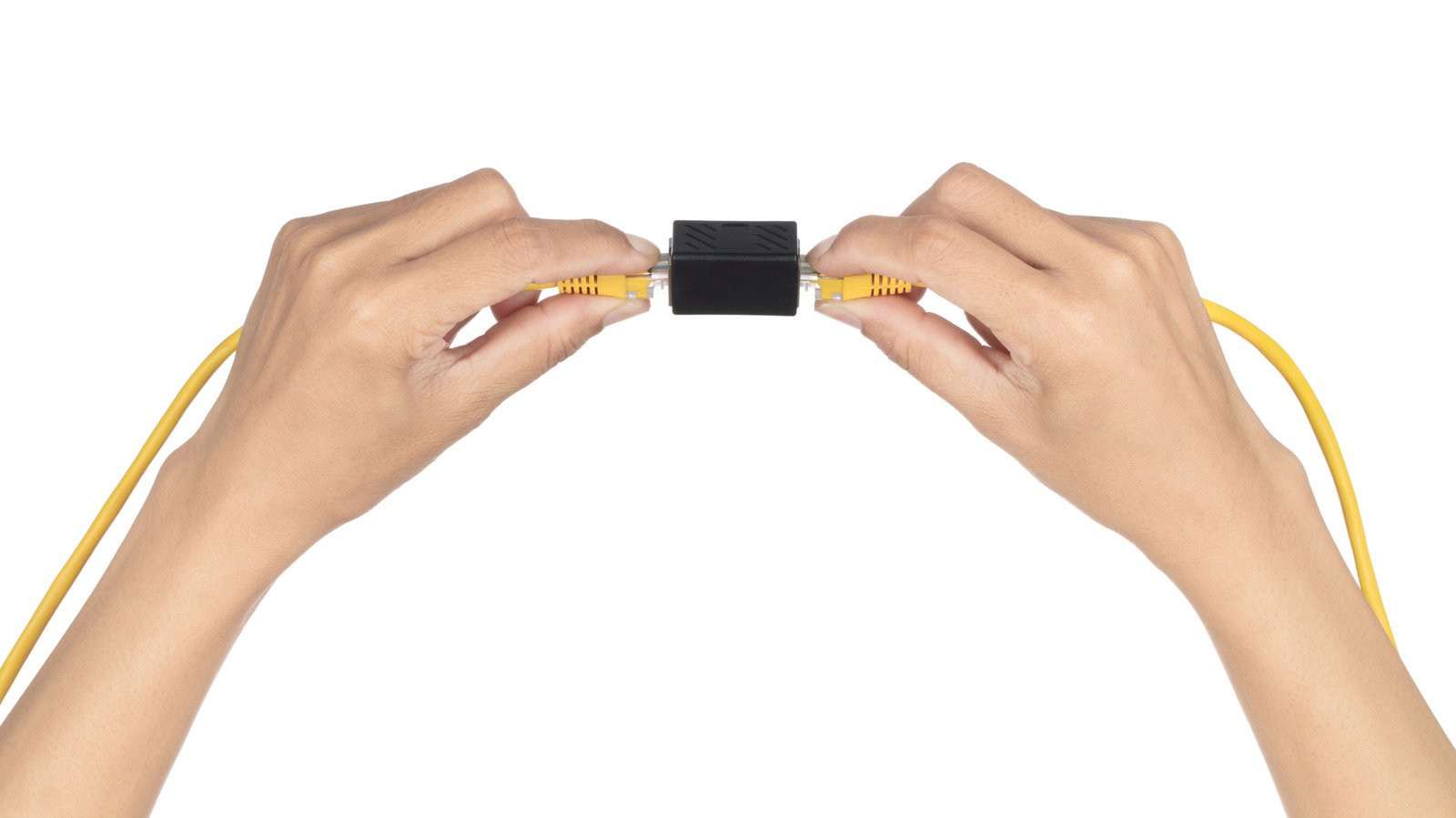
Engadget’s consumer networking explainer starts with a familiar problem: a desk moves, and the Ethernet cable that once reached the router no longer does. The article’s short answer is that an RJ45 coupler can join two cables without power, configuration, or a networking certification. Engadget reports that a good-quality coupler should not noticeably reduce connection speed.
The catch is reliability. A coupler is essentially two RJ45 sockets wired together; it does not amplify the signal or create a new Ethernet link. That extra connection becomes another point to inspect when the network misbehaves. Engadget notes that a poor or physically vulnerable join can produce intermittent dropouts, transmission errors, or a link that settles at 100 Mbps instead of 1 Gbps. If that happens, the article advises testing with a single known-good cable before rebooting the router or contacting an internet provider.
For a permanent installation, Engadget’s guidance is that one longer cable is usually the simpler route. A coupler makes more sense as a quick fix, especially when a cable is already routed. If the goal is more wired ports at the far end—say, behind a TV—a small network switch is the better tool.
There is also a hard distance limit. Engadget states that a standard copper Ethernet channel is limited to 328 feet (100 meters), including patch cords. Joining two 200-foot cables would exceed that limit; a coupler does not reset it.
To illustrate the risk of multiple joins, Engadget cites tests by trueCABLE using a Fluke DSX-8000 cable tester across combinations of Cat6 and Cat6A cables and couplers. Configurations with three couplers generally passed, though one was a marginal pass that technically failed. Configurations with four couplers failed. The article cautions that this is not a universal breaking point because the tests used specific cables and couplers. The practical takeaway is to avoid unnecessary joins.
For a single PC or console, Engadget suggests starting with one cable long enough to reach. That removes the extra connection and avoids needing an outlet for additional hardware. The article also recommends leaving slack when routing cable around furniture rather than pulling it tight. It notes that good Cat5e or Cat6 cable can typically support Gigabit Ethernet, and that an expensive Cat8 cable will not compensate for poor routing.
Replacing an existing cable is a different decision. Engadget describes a scenario where a cable has already been routed to an entertainment center, and a TV, console, and streaming box all need ports. In that case, a small unmanaged switch is appropriate: connect the incoming cable to one port and the devices to the others. A five-port model leaves four ports available because one connects to the router. Unlike a coupler, the switch creates separate Ethernet links, each with its own distance limit. Engadget says basic unmanaged five-port Gigabit switches can cost around $15 and require no configuration, though they do need power, and a 1 Gbps model will limit transfers over faster cable standards.
One more caveat applies to security cameras and wireless access points. Engadget notes that a standard non-PoE switch will not deliver Power over Ethernet, so devices that need it require a PoE-capable switch or injector.
The overall picture is not that couplers are useless. They are a low-effort way to extend a run temporarily. But for a stable permanent link, a single cable is cleaner; for more ports, a switch is more appropriate; and in every case, minimizing joins and respecting the 100-meter channel limit matters.
Sources and further reading
See an error? Read our corrections policy or email [email protected].