Extending the Lifecycle: Old Xboxes as Streaming Hubs, Game Decks, and Cash Assets
Repurposing legacy consoles involves utilizing streaming services, engaging with backward compatibility, or liquidating through trade-in programs, while requiring specific procedures to secure personal data.

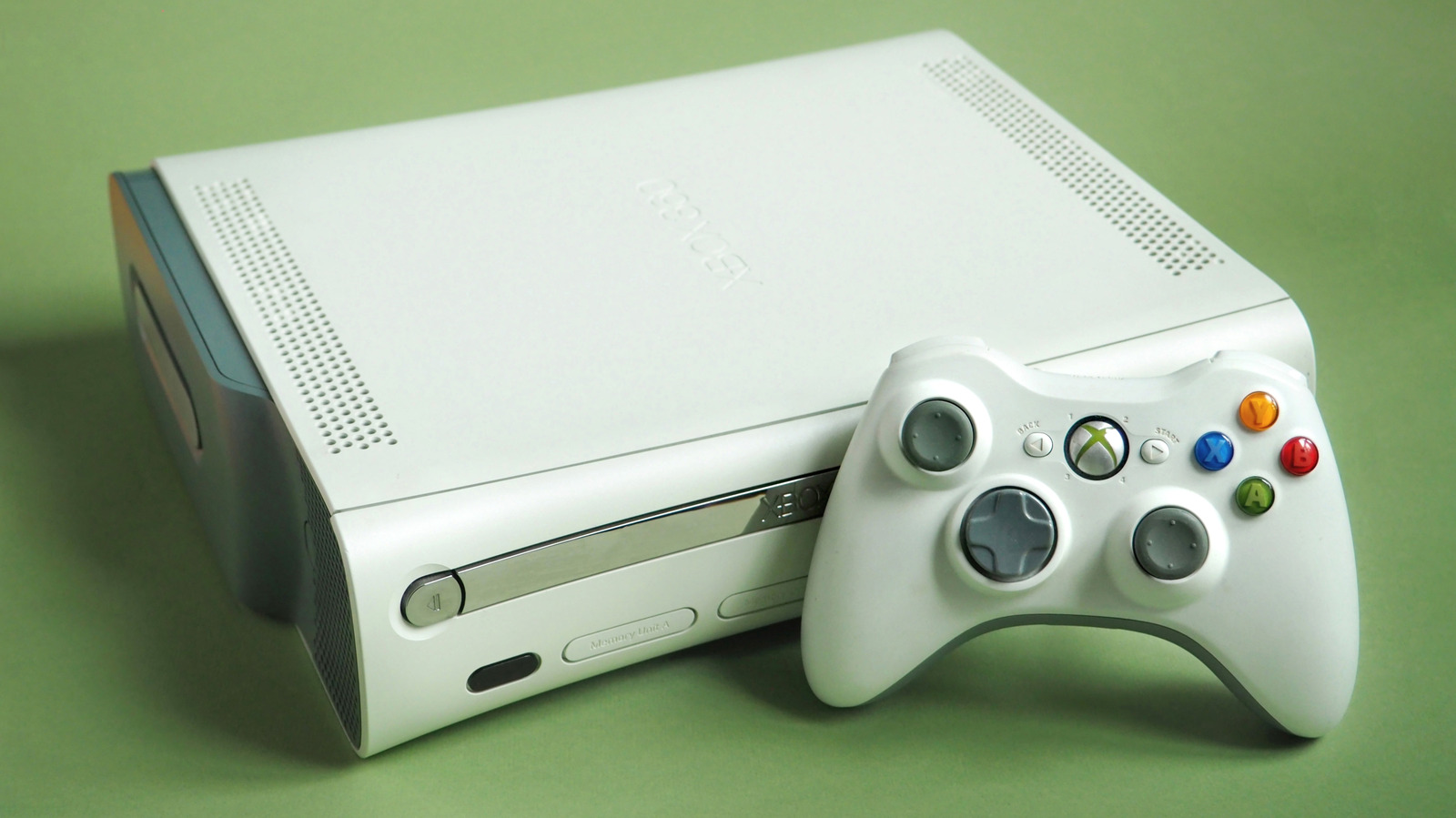
Legacy hardware such as the Xbox One and Xbox 360 retains utility for media consumption, retro gaming, and PC accessory use beyond its primary lifecycle. The Xbox One functions as a dedicated streaming device compatible with services including Netflix, Disney+, Amazon Prime Video, Hulu, and Paramount+. It also supports physical media, playing DVD, Blu-ray, and 4K UHD Blu-rays. In contrast, the Xbox 360 lacks smart streaming apps but serves as a reliable DVD player without external dongles. Smart use cases include utilizing the Xbox One as a backup media player in a secondary room.
Gaming libraries persist through Microsoft's backward compatibility initiatives. The Xbox One supports approximately 632 Xbox 360 games. The flagship Xbox One X enhanced 21 Xbox 360 titles to 4K resolution. Conversely, the original Xbox is supported on the 360 via emulation; the 360 can handle roughly 480 of the original library's 1,000 titles, though updating emulation profiles requires a hard drive. For PC gamers, peripherals remain compatible; the wired Xbox 360 controller functions via USB on Windows 11, ensuring architectural compatibility for past-gen peripherals.
Liquidation strategies vary by console generation. Used marketplaces value the Xbox One X significantly higher than earlier hardware. Back Market offers $150 to $185 for an Xbox One X unit in flawless condition. However, the Xbox 360 depreciates rapidly for trade-ins, with Back Market paying under $3. Sellers relying on auction sites like eBay should expect significantly higher returns for the 360 if collection capability allows.
Asset transfer requires privacy preparation to prevent account sharing. Users must factory reset the device prior to sale. The process for the Xbox One involves navigating Profile & system > Settings > System > Console info > Reset. The Xbox 360 requires a hard drive format accessible via Settings > System > Storage. When formatting the Xbox 360, users should locate the serial number from System > Console Settings > System Info and record it. To ensure the account is removed, users must visit the Microsoft Devices website, log in, and select the monitor-shaped Devices tab to remove the console. Unlinked saves on the Xbox One transfer automatically to the cloud. For 360 users, moving saves involves plugging a USB drive into the console, configuring it via Storage > Configure Now, and copying game data to the external drive.
Sources and further reading
See an error? Read our corrections policy or email [email protected].