Microsoft Brings Office Apps Into Copilot: What It Means for Productivity
Microsoft is integrating Word, Excel, and PowerPoint directly into its Copilot app, reversing its earlier strategy of embedding Copilot within Office apps. The update, initially for Frontier users, could streamline document creation and collaboration.

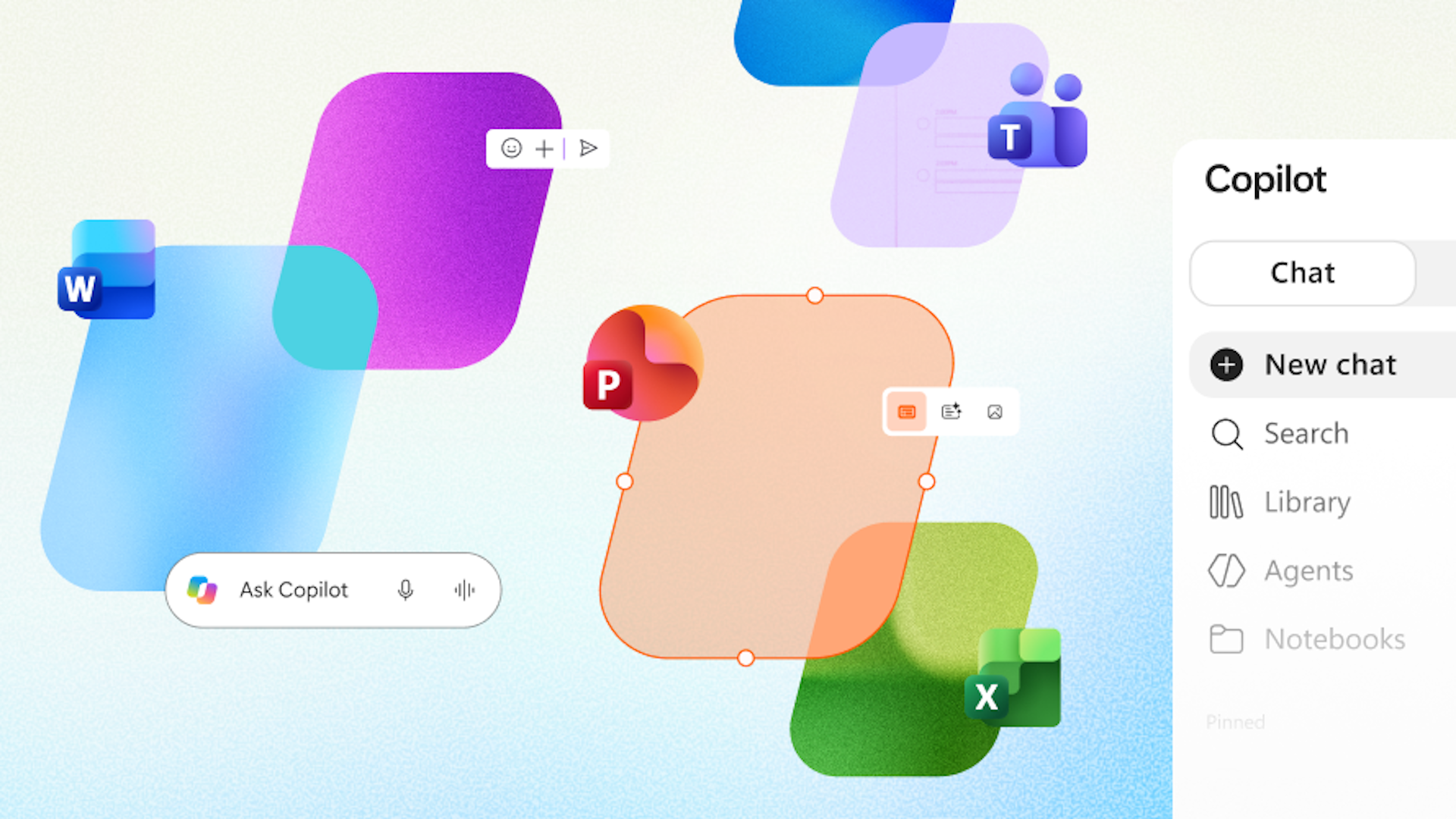
Microsoft is making significant changes to its Copilot app by integrating core Office applications—Word, Excel, and PowerPoint—directly into the AI hub. According to TechRadar, this move reverses the company's previous approach of adding Copilot features to individual Office apps. Instead, it places the Office experience inside Copilot, potentially making the app a central workspace for document creation and editing.
The update introduces a Library feature within Copilot, which keeps generated documents accessible in the same interface, eliminating the need to switch to separate Office apps for adjustments. Users can create, edit, and collaborate on documents directly within Copilot, with support for sharing, commenting, and reviewing. This emphasis on collaboration aims to provide a more unified experience.
Sumit Chauhan, a member of the Office Product Group, explained the rationale: "Microsoft Office has defined productivity for the PC era. As Copilot becomes a new way to work, we're bringing familiar Office creation and collaboration experiences directly into that environment." Chauhan was recently named as one of the EVPs reporting to Charles Lamanna, EVP of Copilot, Agents, and Platform, following the departure of M365's previous EVP, Ryan Roslansky. This organizational change suggests Microsoft is aligning its productivity tools under the Copilot umbrella.
Currently, the new unified experience inside the Copilot app is available only to Frontier customers in Chat and Cowork. However, TechRadar indicates it could roll out to more users within a few months. For now, the feature remains in a limited preview, so broader availability and exact timelines are unconfirmed.
The shift could have implications for daily use. By consolidating document creation and editing within Copilot, users might reduce time spent switching between apps. The Library feature could also help keep projects organized, especially for those who frequently generate documents through AI interactions. Collaboration tools within Copilot could benefit teams that rely on shared documents, although the effectiveness will depend on how seamlessly these features work compared to dedicated Office apps.
Who should consider upgrading? Existing Copilot users who often create documents might find the integrated experience more efficient. However, those who primarily use Office apps for complex tasks may not see immediate benefits, as the full range of Office features may not yet be available in Copilot. The limited Frontier release means most users will have to wait before trying it.
This is part of a larger strategic shift at Microsoft. The company is "figuring out what Copilot, and the future of work, should look like as one ecosystem," according to TechRadar. The integration of Office into Copilot appears to be an initial step in that direction, with more changes likely to follow as Microsoft develops its AI-centric productivity vision.
While the potential is promising, key details remain unclear. Microsoft has not specified which Office features will be available in Copilot, how performance compares to native apps, or when general availability will occur. The current release is limited to Frontier customers, and no pricing changes or broader rollout dates have been announced. As with any early-stage product, users should temper expectations until more information is available.
TechRadar notes that this move marks a major shift in Microsoft's AI strategy, and it could reshape how users interact with productivity tools. For now, it's a preview of what's to come, and its success will depend on execution and user adoption.
Sources and further reading
See an error? Read our corrections policy or email [email protected].