Modem, Router, Gateway: A Practical Guide to Home Network Gear
An Engadget explainer separates the boxes that connect a home to the internet and explores when buying your own equipment makes sense.

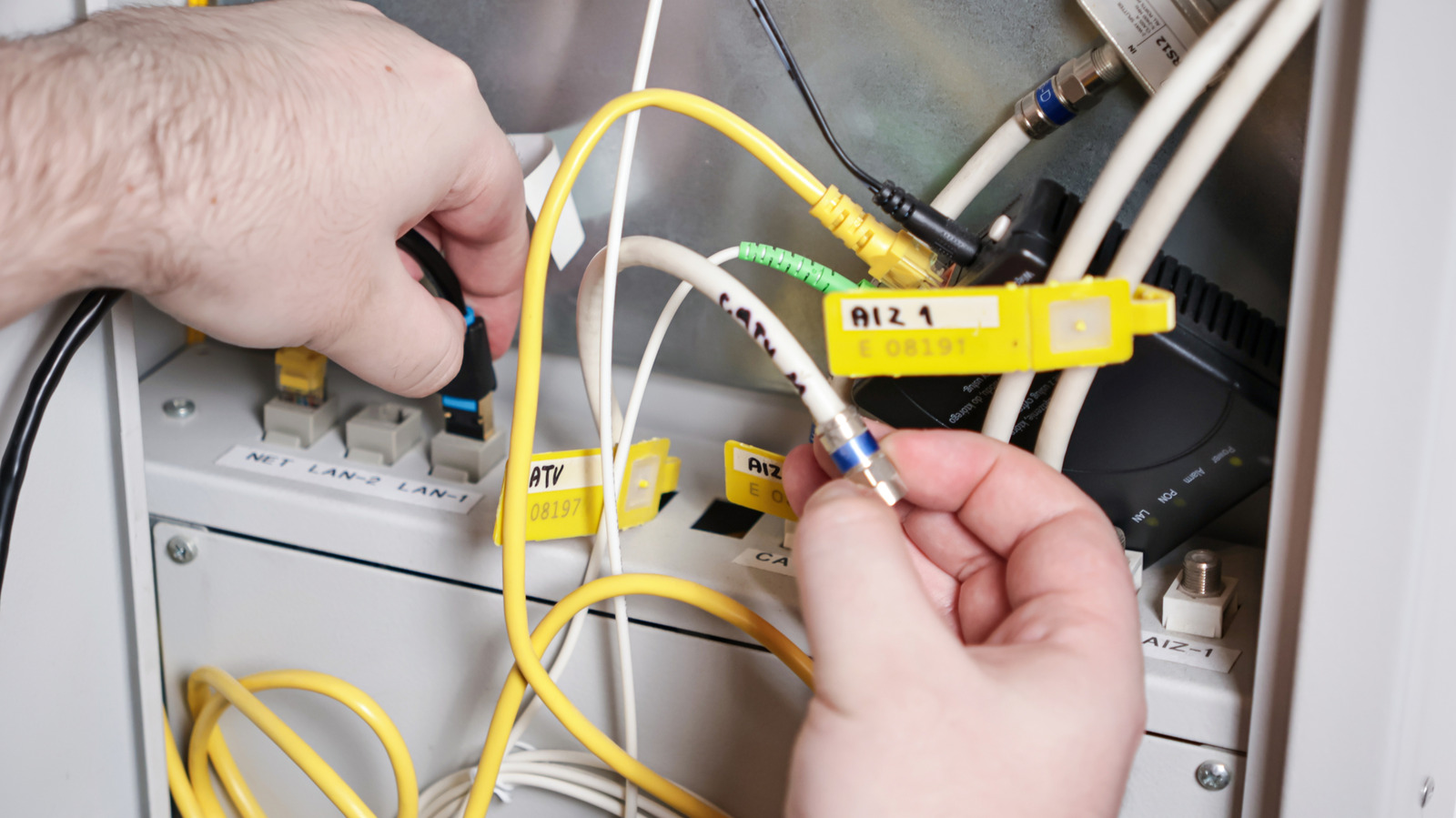
Home networking gear is easy to ignore until something breaks. In an explainer for Engadget, the outlet walks through the roles of modems, routers and gateways, and why the distinction matters when deciding whether to keep using ISP-supplied equipment or buy your own.
The modem is the device that communicates with the internet provider. Engadget describes it as translating signals from a cable or phone line into digital data devices can use, and vice versa. Pure fiber connections may replace the modem with an optical network terminal, or ONT, but the practical job is similar.
A router distributes that connection to phones, laptops, TVs and other devices over Wi-Fi or Ethernet. Engadget notes that routers can also move local traffic, such as video streamed from a Plex server, and some models can act as smart-home hubs for Matter or Thread accessories. Routers also provide security functions such as firewalls and can offer guest networks or user profiles for managing traffic.
A gateway combines a modem and router in one box. The source says ISPs often supply gateways, sometimes at no extra charge, and that retail gateways are more often aimed at businesses needing advanced control. Engadget's advice is that separate modem and router units are usually the better route when given a choice.
The more consequential question is whether the ISP's default equipment is good enough. Engadget characterizes typical provider gear as a lowest-common-denominator setup for a modern home. It may support Wi-Fi 6, and it is unlikely to be a mesh system. Wi-Fi 6 remains usable in many homes, according to the source, but Wi-Fi 6E and Wi-Fi 7 add a 6GHz band alongside the usual 2.4GHz and 5GHz bands. Mesh systems can help address dead zones and inconsistent coverage.
Upgrades through an ISP can carry recurring costs without ownership. Engadget cites AT&T's All-Fi Pro, which it says includes Wi-Fi 7, mesh extenders and equipment upgrades every 36 months, at $25 per month on top of an existing plan for customers not on certain ultra-fast plans. The source calculates that as $300 over a year, and argues that less than two years of that charge could cover buying a mesh system outright. It also notes that a customer can put ISP equipment into bridge mode to use their own router.
The source's framing is practical rather than a blanket recommendation to replace provider gear. It does not benchmark specific routers or promise that new hardware will fix every connection problem. The main criteria it highlights are speed and coverage, with the caveat that default equipment may not fully exploit recent phones, computers, home servers or smart-home devices.
For readers, the decision hinges on rental fees, the age and capability of the supplied box, the size and layout of the home, and whether ownership and portability matter. Engadget's explainer supports considering your own modem and router or mesh system when those factors justify the cost, while keeping in mind that ISP plans and equipment policies vary.
Sources and further reading
See an error? Read our corrections policy or email [email protected].